How to make a Zombie video from a photo
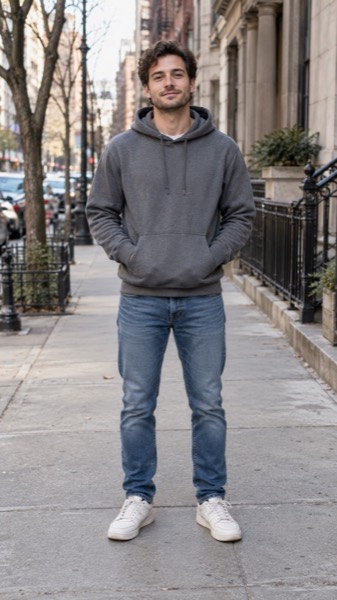
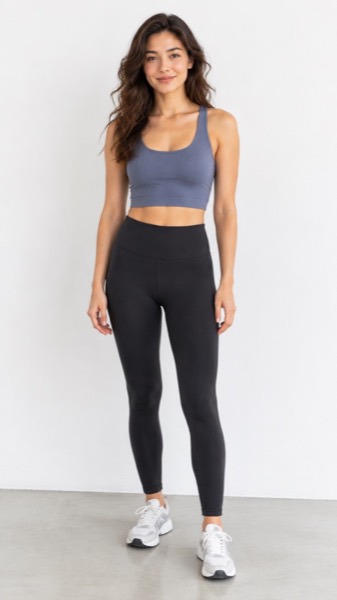
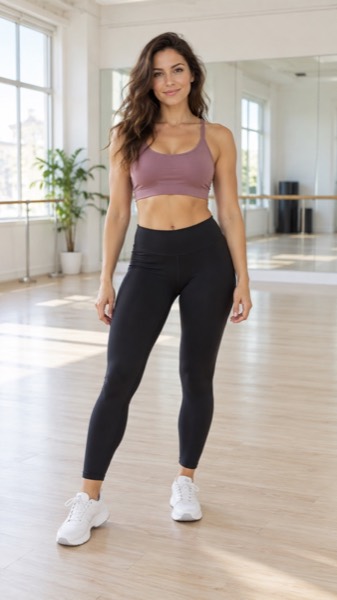
- Upload a clear photo (JPG, PNG or WebP). A face or body that fills a good part of the frame works best.
- Pick the Zombie motion — zombie makeup and a comic shuffle, and the shape: 9:16 for TikTok and Reels, 16:9 for YouTube, 1:1 for feeds.
- Tick the box confirming you have the right to use the photo, then press Make my video.
- Wait about a minute. Play it, download the MP4, or share a link.
A zombie filter that moves
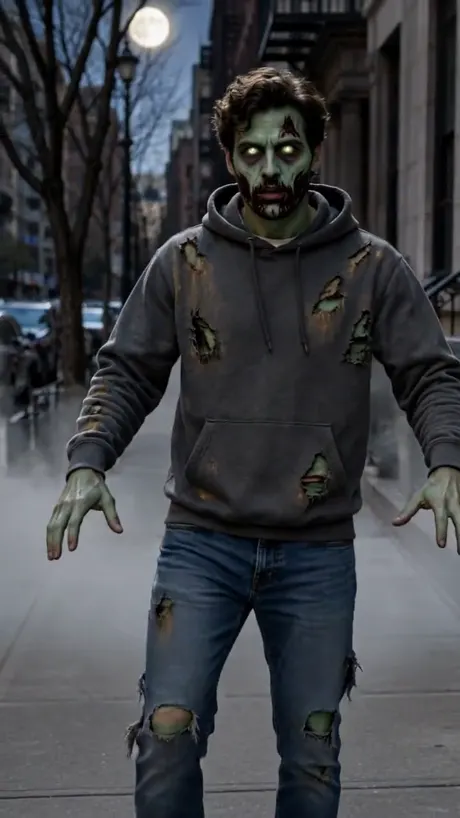
Most zombie filters paint makeup on a still selfie. Here the whole clip moves: the makeup spreads, the eyes start to glow, and you shuffle toward the camera with your arms out.
| Works | Doesn't work |
|---|---|
| One adult, full body or waist up | Several people in one photo |
| Standing, arms visible | Sitting or lying down |
| Even light, any background | Photos of children (rejected) |
Kept light: no blood, no wounds, nothing violent — so it is fine to share with family and on any platform.
Sizes, lengths and quality
| Setting | Free | With credits |
|---|---|---|
| Length | 5 seconds | 5 or 10 seconds |
| Shape | 9:16, 16:9 or 1:1 | 9:16, 16:9 or 1:1 |
| Quality | Standard 480p | Standard, HD 720p or Max 720p (premium model) |
| Watermark | Small corner mark | None |
| Cost | 5 credits (free daily credits cover 1) | 5–40 credits |
Every video downloads as an H.264 MP4 that plays on iPhone, Android, TikTok, Instagram Reels, YouTube Shorts and WhatsApp.
What MoveFrame will not make
Every photo is checked before anything is generated. If a check fails, nothing is charged.
- No nudity or sexual content, and no "uncensored" mode.
- No videos of children from uploaded photos. The baby template invents a fictional baby; it never animates a real child's photo.
- No celebrities, politicians or other public figures, and no face swap.
- Hug and baby templates ask you to confirm that both adults in the photos agree.
- Free videos carry a small watermark, and every video is labelled as AI-generated in its file data.
- See something wrong? Every video page has a Report link. We take reported videos down and answer within 48 hours.
Frequently asked questions
Is it really free?
Yes. You get 5 free credits every day — enough for one five-second video — with no account and no card. Free videos are Standard quality with a small watermark. Credit packs start at $9.90 for 100 credits (valid 12 months, no subscription); Pro is $9.90/month for 120 credits.
Is it gory?
No. The zombie look is movie-style makeup only — pale green-grey skin, glowing eyes and torn clothes. We never add blood or wounds.
Can I turn my friend into a zombie?
Only with their OK, and only adults. Photos of children and public figures are rejected before any credit is used.
What sound should I add?
Videos are silent so you can add any trending Halloween sound in TikTok, Instagram or CapCut.
How long does it take?
Most 5-second videos are ready in 40–90 seconds. 10-second and Max quality videos can take up to 3 minutes. You can keep using the page while it works.
What if the video fails or my photo is rejected?
Credits come back automatically. A photo that fails the safety check is rejected before any credit is spent, and a video that fails during generation is refunded in full.