
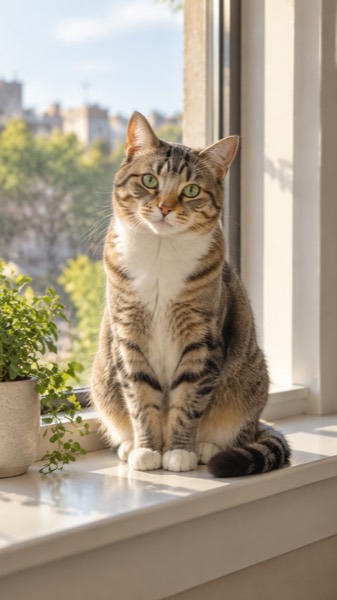
How to make a motion video from a photo
- Upload a clear photo (JPG, PNG or WebP). A face or body that fills a good part of the frame works best.
- Pick a motion, and the shape: 9:16 for TikTok and Reels, 16:9 for YouTube, 1:1 for feeds.
- Tick the box confirming you have the right to use the photo, then press Make my video.
- Wait about a minute. Play it, download the MP4, or share a link.
Five things to check before you pick a free tool
| Check | Why it matters | MoveFrame |
|---|---|---|
| Free videos per day (not per account, once) | A one-off trial runs out after one try | 2 a day, every day |
| Sign-up or card needed | Email walls and card checks stop most people | Neither |
| Length and resolution of free videos | 2–3 second clips look like GIFs | 5 seconds, 480p |
| Watermark | Matters if you post the video | Small corner mark on free; none with credits |
| Ready-made motions vs prompts only | Prompts take practice; presets work first time | Animate, old photo, dance, hug, baby, pet, text |
| Refund when a video fails | Failed generations still cost credits on many sites | Automatic |
Which free tool for which photo
| Your photo | Motion on MoveFrame | Free? |
|---|---|---|
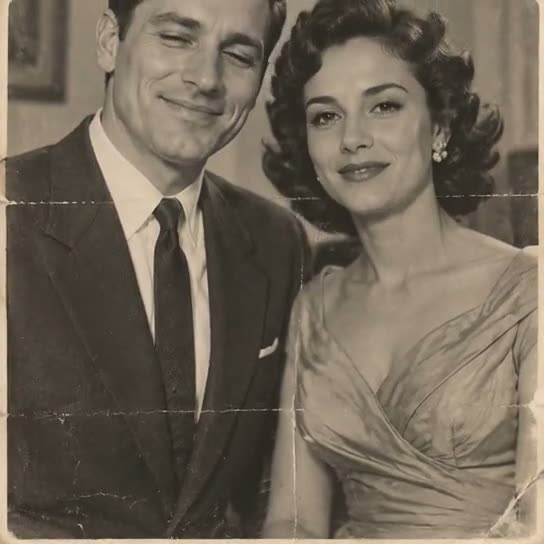
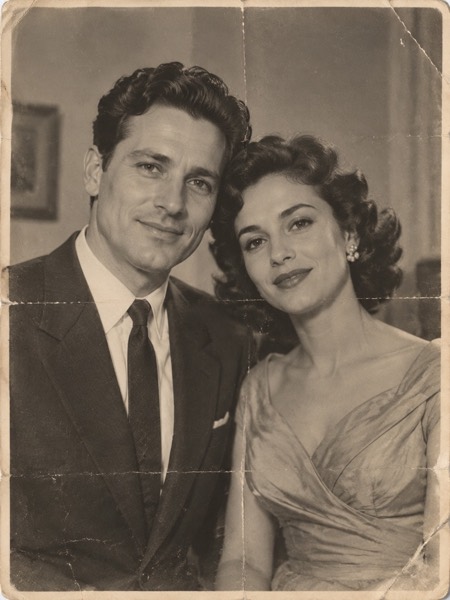
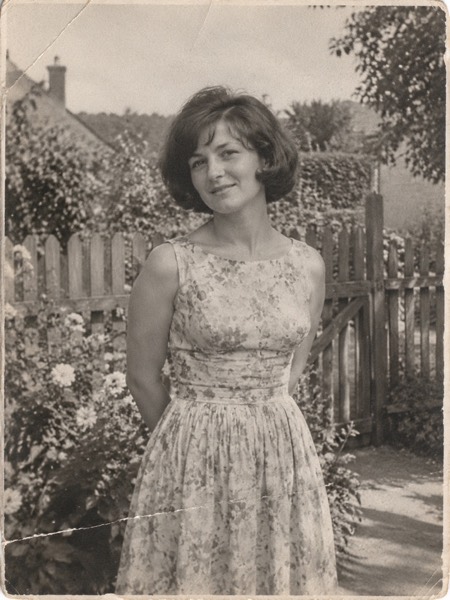
| Grandparents' wedding photo | Old photo | Yes |
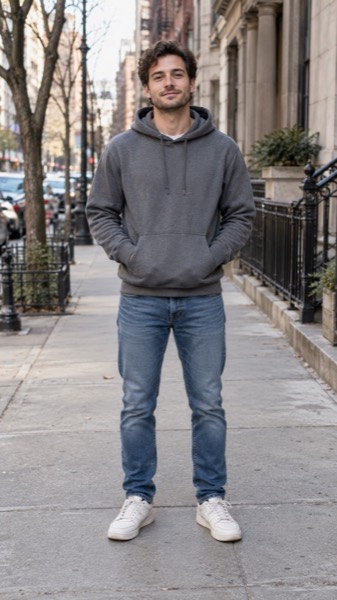
| Selfie or portrait | Animate photo | Yes |
| Two people who should hug | Hug (both adults agree) | Yes |
| Full-body photo | Dance | Yes |
| Dog or cat | Pet | Yes |
| No photo | Text to video | Yes |
| A blurry clip you already have | Video upscaler | Once a day, to 720p |
Sizes, lengths and quality
| Setting | Free | With credits |
|---|---|---|
| Length | 5 seconds | 5 or 10 seconds |
| Shape | 9:16, 16:9 or 1:1 | 9:16, 16:9 or 1:1 |
| Quality | Standard 480p | Standard, HD 720p or Max 720p (premium model) |
| Watermark | Small corner mark | None |
| Cost | 5 credits (free daily credits cover 2) | 5–40 credits |
Every video downloads as an H.264 MP4 that plays on iPhone, Android, TikTok, Instagram Reels, YouTube Shorts and WhatsApp.
MoveFrame vs other free image-to-video sites
Checked on 18 October 2026 on each site's own homepage and pricing page, logged out. Prices change — check before you buy.
| MoveFrame | ZSky AI | Flux AI | Kling AI | |
|---|---|---|---|---|
| Make a video without an account | Yes — 10 free credits a day | Free tier | 40 credits after sign-up | Sign-up required |
| Ready-made motions (dance, hug, old photo, pet, baby) | Yes, one tap | Prompt only | Prompt only | Effects library after sign-in |
| Pay once, no subscription | Yes, from $9.90, valid 12 months | Monthly plans ($19+) | Packs from $9.99, valid 100 days | Subscription or credit top-ups |
| Failed or blocked video refunded | Automatically | Not stated | Not stated | Not stated |
| Upscale your own clip | Yes, up to 30 s, free to 720p | No | No | No |
| Blocks explicit content and photos of minors | Yes, before any credit is spent | 18+ terms | Not stated on homepage | Yes |
What MoveFrame will not make
Every photo is checked before anything is generated. If a check fails, nothing is charged.
- No nudity or sexual content, and no "uncensored" mode.
- No videos of children from uploaded photos. The baby template invents a fictional baby; it never animates a real child's photo.
- No celebrities, politicians or other public figures, and no face swap.
- Hug and baby templates ask you to confirm that both adults in the photos agree.
- Free videos carry a small watermark, and every video is labelled as AI-generated in its file data.
- See something wrong? Every video page has a Report link. We take reported videos down and answer within 48 hours.
Frequently asked questions
What is the best free image to video AI?
For most people it is a tool that is free every day without an account. MoveFrame gives 2 five-second videos a day with no sign-up and one-tap motions; you can try it in the box at the top of this page.
Is there an image to video AI with no watermark for free?
Free videos on MoveFrame carry a small corner watermark. Videos made with credits have none; credit packs are pay-once and valid 12 months.
How long are free AI videos?
5 seconds at Standard 480p. With credits you can make 10-second videos in HD 720p or Max 720p.
Is it really free?
Yes. You get 10 free credits every day — enough for 2 five-second videos — with no account and no card. Free videos are Standard quality with a small watermark. Credit packs start at $9.90 for 100 credits (valid 12 months, no subscription); Pro is $9.90/month for 120 credits.
How long does it take?
Most 5-second videos are ready in 40–90 seconds. 10-second and Max quality videos can take up to 3 minutes. You can keep using the page while it works.