How to make a Halloween costume video from a photo
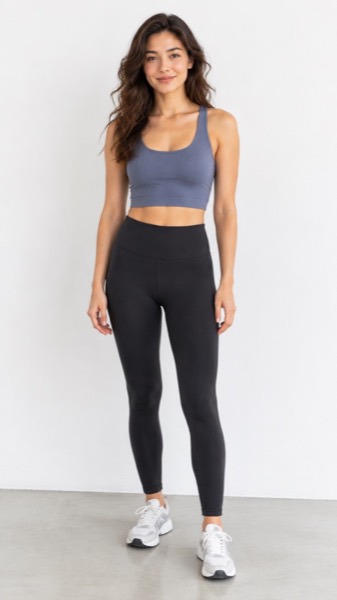
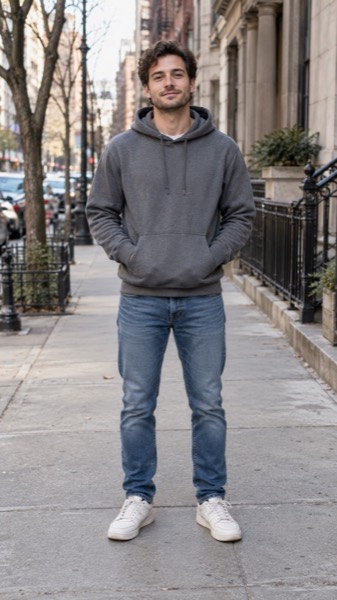
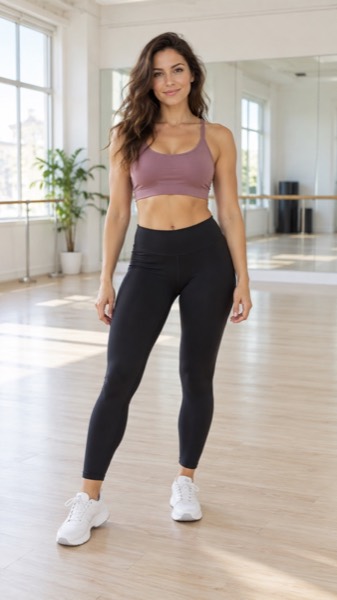
- Upload a clear photo (JPG, PNG or WebP). A face or body that fills a good part of the frame works best.
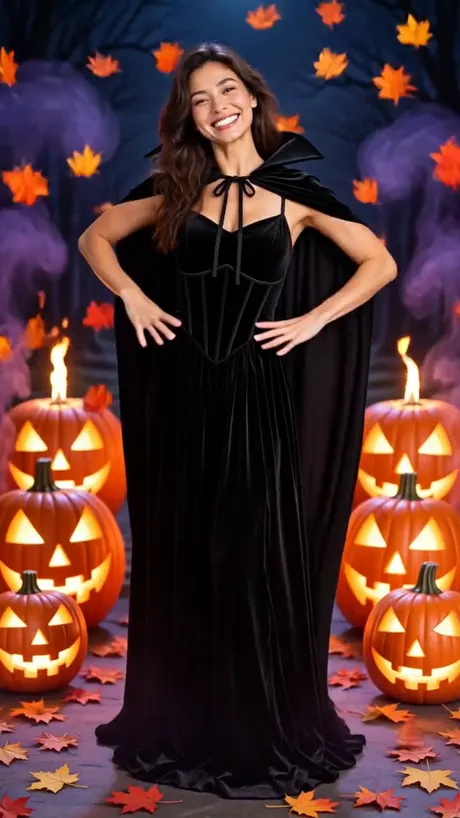
- Pick the Halloween costume motion — a costume, cape and glowing pumpkins, and the shape: 9:16 for TikTok and Reels, 16:9 for YouTube, 1:1 for feeds.
- Tick the box confirming you have the right to use the photo, then press Make my video.
- Wait about a minute. Play it, download the MP4, or share a link.
Two ways to make a Halloween video
| AI Halloween costume | Free Halloween motion look | |
|---|---|---|
| What moves | You transform: new costume, cape, pumpkins, fog, a spooky pose | Your photo with moving fog, flying bats, candle flicker and a slow zoom |
| Caption | Add it in TikTok or CapCut | Type it in — drawn into the video |
| Time | 40–90 seconds | About 4 seconds, on your device |
| Limit | Free daily videos, then credits | Unlimited, nothing uploaded |
| Best for | The "glow up" transformation post | Group photos, pets, party snaps, stories |
Both keep it costume-party fun: no blood, no wounds, nothing frightening, so you can post it anywhere and send it to family.
Halloween ideas that work
- Costume reveal: a normal photo of you → witch or vampire in one swirl. Post the before photo first, then the video.
- Zombie walk: try the Zombie template for a comic green-makeup shuffle toward the camera (see AI zombie video).
- Your pet in costume: dogs and cats get a pumpkin outfit or a tiny witch hat (see Halloween pet costume video).
- Party invite: run the free Halloween look on your house or party photo and type "Party Sat 31 Oct, 8pm" as the caption.
- Couple or friends: put two photos in a free slideshow with the Halloween look — up to 6 photos.
Sizes, lengths and quality
| Setting | Free | With credits |
|---|---|---|
| Length | 5 seconds | 5 or 10 seconds |
| Shape | 9:16, 16:9 or 1:1 | 9:16, 16:9 or 1:1 |
| Quality | Standard 480p | Standard, HD 720p or Max 720p (premium model) |
| Watermark | Small corner mark | None |
| Cost | 5 credits (free daily credits cover 1) | 5–40 credits |
Every video downloads as an H.264 MP4 that plays on iPhone, Android, TikTok, Instagram Reels, YouTube Shorts and WhatsApp.
What MoveFrame will not make
Every photo is checked before anything is generated. If a check fails, nothing is charged.
- No nudity or sexual content, and no "uncensored" mode.
- No videos of children from uploaded photos. The baby template invents a fictional baby; it never animates a real child's photo.
- No celebrities, politicians or other public figures, and no face swap.
- Hug and baby templates ask you to confirm that both adults in the photos agree.
- Free videos carry a small watermark, and every video is labelled as AI-generated in its file data.
- See something wrong? Every video page has a Report link. We take reported videos down and answer within 48 hours.
Frequently asked questions
Is it really free?
Yes. You get 5 free credits every day — enough for one five-second video — with no account and no card. Free videos are Standard quality with a small watermark. Credit packs start at $9.90 for 100 credits (valid 12 months, no subscription); Pro is $9.90/month for 120 credits.
Is it scary?
No. The Halloween template makes a fun costume-party look — a witch or vampire costume, glowing pumpkins and fog. We never add blood, wounds or anything violent.
Can I add text like "Happy Halloween"?
Yes, in the free Halloween motion look: type up to 40 characters and it is drawn into the video. For AI videos, add text in TikTok, Instagram or CapCut.
Can I make one of my kids in costume?
No. Uploaded photos must show adults. Pets are welcome — use the Halloween pet costume template.
How long does it take?
Most 5-second videos are ready in 40–90 seconds. 10-second and Max quality videos can take up to 3 minutes. You can keep using the page while it works.
What if the video fails or my photo is rejected?
Credits come back automatically. A photo that fails the safety check is rejected before any credit is spent, and a video that fails during generation is refunded in full.