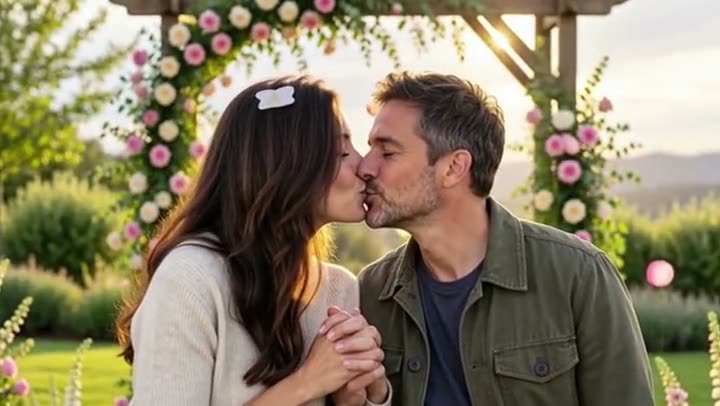
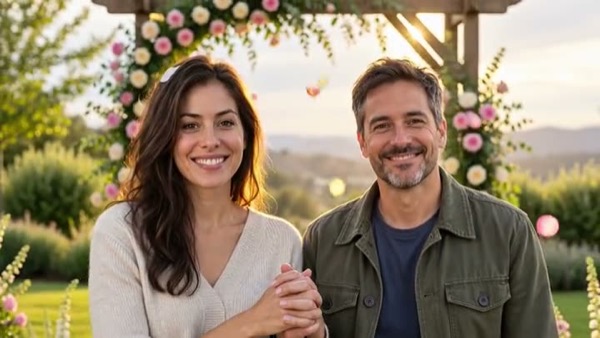
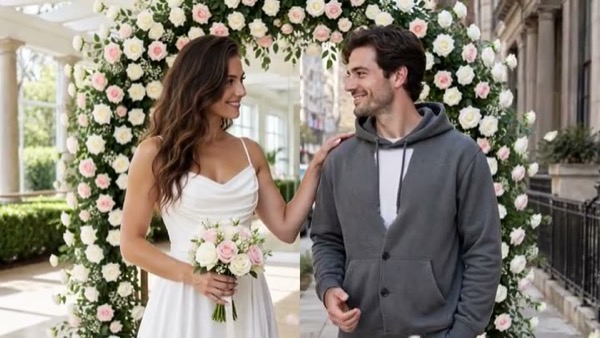
How to make an AI kiss video from a photo
- Select the Kiss motion.
- Upload one photo with both people in it. A close, front-facing photo where both faces are clear works best.
- Tick the consent box — both people must be adults and agree to the video.
- Press Make my video and download the MP4 in about a minute.
Faces that stay the same
The most common complaint about AI kiss videos is that the faces drift: by the second half the couple looks like two different people, or one partner's smile turns into a frown. MoveFrame's kiss motion is written to stop that. Both people keep their own face, hair, skin tone, clothes and expressions from the photo in every frame, the camera stays still, and the clip starts exactly on the photo you upload.
- Use one photo with both of you in it, not two separate photos — the faces stay far closer to the original.
- Bigger is better: a photo where each face is at least 200 px wide keeps more detail. Tiny cropped screenshots drift more.
- Happy, relaxed faces in the photo give a happy kiss. The motion keeps the expressions you upload.
- For the most faithful faces, pick Max quality (premium model) — it holds identity best.
What to check in an AI kiss video tool
| What matters | MoveFrame |
|---|---|
| Try it free without an account | Yes — one free 5-second video a day, no sign-up |
| Download as MP4 without a watermark | Yes, including the free video |
| Uses one couple photo | Yes — one photo with both people; no face swap |
| Keeps both faces the same | The prompt locks faces, hair, clothes and light; static camera |
| Consent and adults only | Both must be adults (18+) and agree; public figures are refused |
| Failed or blocked video | Credits refunded automatically |
| Paid option | $9.90 once, valid 12 months — no subscription |
Good uses
- An anniversary or Valentine's Day post from your favourite couple photo.
- A long-distance surprise for your partner.
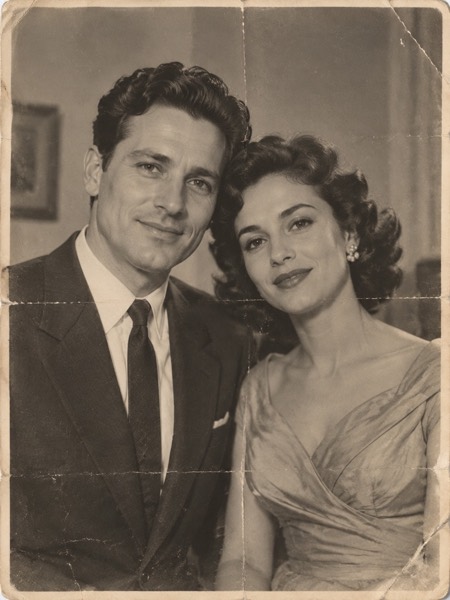
- Bringing an old wedding photo of your parents or grandparents to life, with family permission.
- A sweet clip for an engagement announcement or a wedding slideshow.
By default the couple shares one long, romantic kiss. Want something different — a quick peck, or a longer, more passionate make-out? Describe it in the box. Both stay fully clothed, nothing sexual is made, and every finished clip is checked before anyone sees it.
Sizes, lengths and quality
| Setting | Free | With credits |
|---|---|---|
| Length | 5 seconds | 5 or 10 seconds |
| Shape | 9:16, 16:9 or 1:1 | 9:16, 16:9 or 1:1 |
| Quality | Standard 480p | Standard, HD 720p or Max 720p (premium model) |
| Watermark | None on your daily free video | None |
| Cost | 5 credits (free daily credits cover 1) | 5–40 credits |
Every video downloads as an H.264 MP4 that plays on iPhone, Android, TikTok, Instagram Reels, YouTube Shorts and WhatsApp.
What MoveFrame will not make
Every photo is checked before anything is generated. If a check fails, nothing is charged.
- No nudity or sexual content, and no "uncensored" mode.
- Family photos with little ones are fine on everyday templates; couple, wedding and baby-prediction templates are adults-only, and nothing suggestive is ever made with anyone under 18.
- No celebrities, politicians or other public figures, and no face swap.
- Hug, kiss and baby templates ask you to confirm that both adults in the photos agree.
- Your daily free video has no watermark, and every video is labelled as AI-generated in its file data.
- See something wrong? Every video page has a Report link. We take reported videos down and answer within 48 hours.
Frequently asked questions
Is it really free?
Yes. You get 5 free credits every day — enough for one five-second video — with no account and no card. The daily free video is Standard quality with no watermark. Credit packs start at $9.90 for 100 credits (valid 12 months, no subscription); Pro is $9.90/month for 120 credits.
Can I make a kiss video from two separate photos?
Use one photo with both people in it — that keeps both faces far closer to the originals. To put two separate photos together, use the Hug or Wedding motion, which are built for two photos.
Why do the faces change in some AI kiss videos?
Video models redraw every frame, so small, blurry or heavily filtered photos drift most, and loose prompts let the model change expressions. MoveFrame locks the faces and expressions in the prompt and keeps the camera still; a larger, clear photo and Max quality give the most faithful result.
Can I make a kiss video with a celebrity or my crush?
No. Public figures are refused, and both people pictured must be adults who agreed to the video. Making a kiss video of someone without their consent is not allowed.
Can it be a more passionate kiss or a make-out?
Yes. The default is a long, romantic kiss; type what you want in the description box, such as "they make out" or "a quick peck, then they laugh". Both people stay fully clothed, and nudity or sexual content is never made.
How long does it take?
Most 5-second videos are ready in 40–90 seconds. 10-second and Max quality videos can take up to 3 minutes. You can keep using the page while it works.
What if the video fails or my photo is rejected?
Credits come back automatically. A photo that fails the safety check is rejected before any credit is spent, and a video that fails during generation is refunded in full.