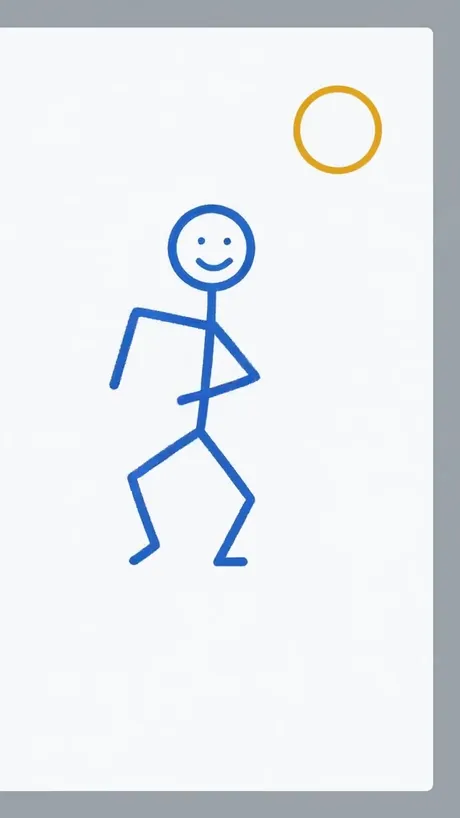


How to animate a stick figure drawing with AI
- Draw one stick figure with a dark pen, pencil or marker. A round head, a body line, two arms and two legs is enough; leave space around it.
- Take a photo straight on, in good light, so the lines are clear (JPG, PNG or WebP). A screenshot of a digital doodle works too.
- Pick the Stick figure motion and the shape: 9:16 for Shorts, TikTok and Reels, 16:9 for YouTube, 1:1 for feeds.
- Press Make my video. Download the 5-second MP4 in about a minute and join several in any editor for a longer short.
What changes and what stays
| Changes | Stays the same |
|---|---|
| The figure waves, steps, dances and jumps | Your exact line style, colour and thickness |
| Simple 2D motion, like a flipbook | The paper, whiteboard or sticky note |
| Other doodles around the figure |
Add a short direction such as "he walks to the right and trips" or "she kicks a ball" to steer the action. Simple, single actions come out best in 5 seconds.
Ideas for stick figure shorts
- A series: one drawing per day, each a new action, joined into a weekly short.
- Class or workshop: kids draw (you upload as the adult), the figures dance on the projector.
- A reaction clip: the figure jumps for joy or facepalms.
- Whiteboard explainer intros — the figure waves hello before the lesson.
MoveFrame vs other stick figure animators
Checked on 2 November 2026 from each tool's public page. Features change — check before you buy.
| MoveFrame | FlexClip | Pixa | Vidnoz | |
|---|---|---|---|---|
| Animates your own hand drawing | Yes — upload a photo of it | Yes, via image to video with a prompt | Yes | Generates a figure from text |
| Ready-made stick figure motion | Yes, one tap (wave, steps, dance) | You write the motion prompt | Generator page | Text request |
| Keeps your paper and line style | Yes, by design | Depends on the prompt | Not stated | New figure, not yours |
| Real before/after clips on the page | Yes, 3 unedited clips | Tutorial | Samples | Walkthrough |
MoveFrame is independent and not affiliated with FlexClip, Pixa or Vidnoz. Their names are trademarks of their owners.
Sizes, lengths and quality
| Setting | Free | With credits |
|---|---|---|
| Length | 5 seconds | 5 or 10 seconds |
| Shape | 9:16, 16:9 or 1:1 | 9:16, 16:9 or 1:1 |
| Quality | Standard 480p | Standard, HD 720p or Max 720p (premium model) |
| Watermark | None on your daily free video | None |
| Cost | 5 credits (free daily credits cover 1) | 5–40 credits |
Every video downloads as an H.264 MP4 that plays on iPhone, Android, TikTok, Instagram Reels, YouTube Shorts and WhatsApp.
Frequently asked questions
Is it really free?
Yes. You get 5 free credits every day — enough for one five-second video — with no account and no card. The daily free video is Standard quality with no watermark. Credit packs start at $9.90 for 100 credits (valid 12 months, no subscription); Pro is $9.90/month for 120 credits.
Do I need to draw frames or keyframes?
No. One drawing is enough; the AI makes all the in-between movement.
Can I type a description instead of drawing?
This page animates a drawing you upload. For a video from words alone, use the text to video option in the tool.
Will it turn my stick figure into a realistic person?
No. The prompt keeps it a flat 2D line figure in your own strokes; the background paper stays as it was.
Can it make my stick figure fight or fall?
Playful actions like tripping, jumping or a cartoon kick are fine. Violent scenes are not.
How long does it take?
Most 5-second videos are ready in 40–90 seconds. 10-second and Max quality videos can take up to 3 minutes. You can keep using the page while it works.
What if the video fails or my photo is rejected?
Credits come back automatically. A photo that fails the safety check is rejected before any credit is spent, and a video that fails during generation is refunded in full.