How to make the 58th Floor studio edit
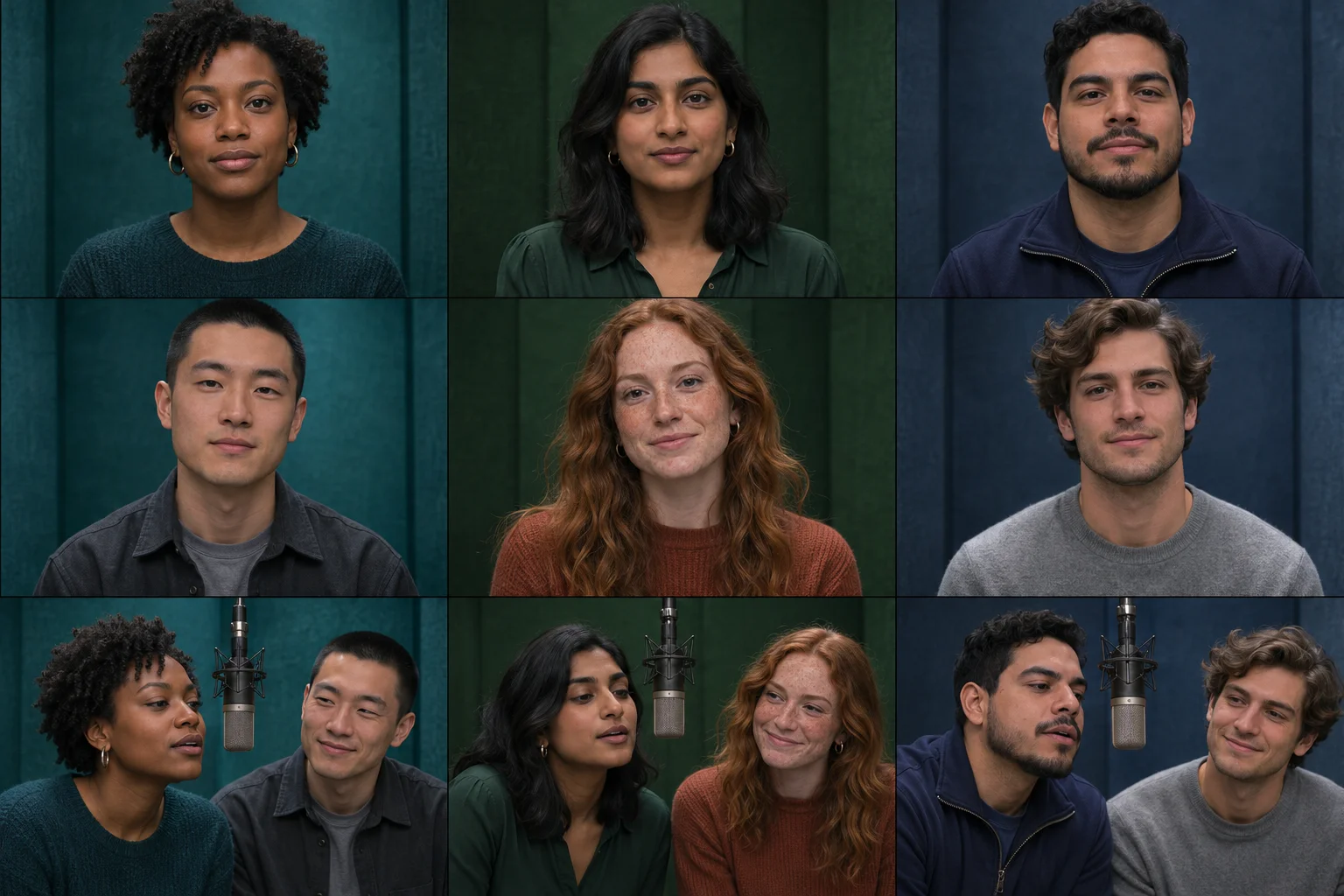
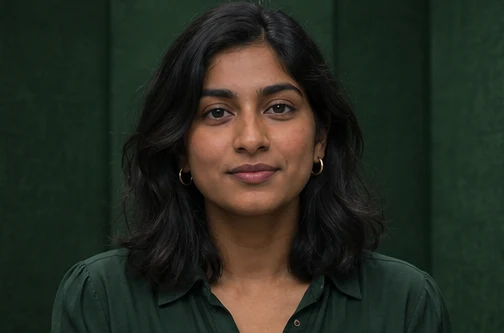
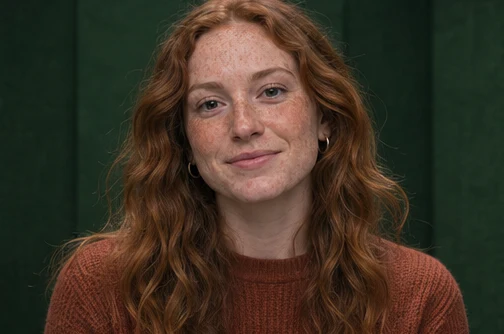
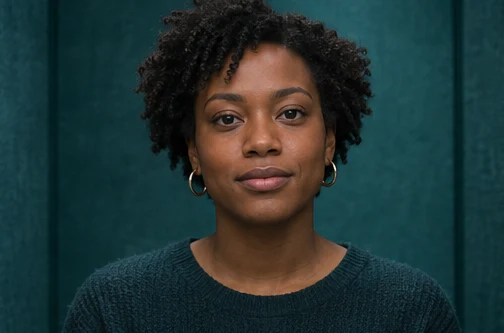
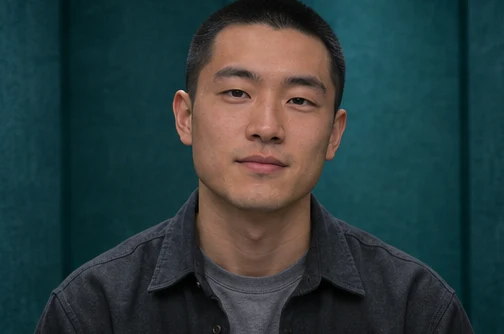
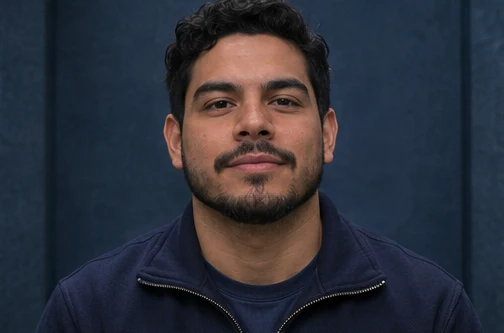
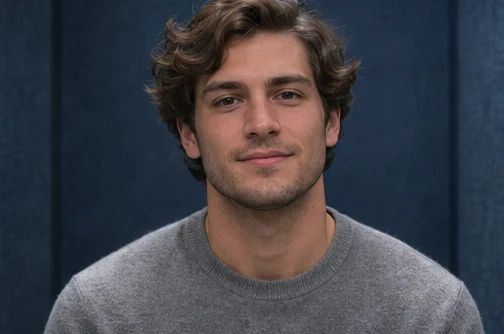
- Choose two clear portraits. Use one adult per photo, with the face evenly lit and room around the head and shoulders.
- Upload the opener as Performer 1 and the second portrait as Performer 2. Confirm both adults agreed and you can use the photos.
- Select Make the silent studio edit. Preview the cuts and download the MP4. Add your own authorized sound in an editor if you want it.
What comes with the silent studio edit?
| Check | What to expect |
|---|---|
| Input | Two separate photos, one consenting adult in each |
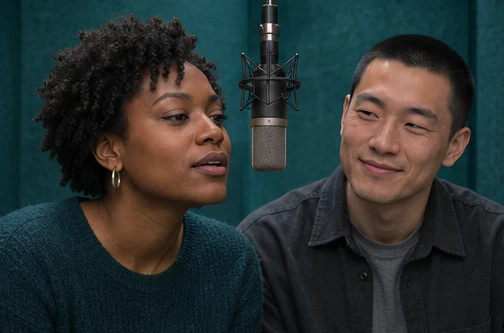
| Shot direction | Close-up of performer 1, close-up of performer 2, then a short reaction. The model chooses the cut timing. |
| Set | An original teal studio backdrop and suspended microphone |
| Sound | No audio track, vocals or automatic lip-sync |
| Example length | The studio samples on this page use 10 seconds. Free Standard clips are shorter. |
| Export | MP4, 9:16 by default. The first Standard clip is free when free capacity is available. |
Frequently asked questions
What is the 58th Floor AI trend?
It recreates the visual setup of a two-person studio performance: a colored backdrop, a hanging microphone and edits that alternate between the performers.
Can I upload one group photo for both performers?
Use two separate images, one person in each. If both adults agree, crop a group photo into two individual portraits before uploading.
Does it lip-sync or include the original track?
The export is silent. It uses gestures and reaction shots and has no automatic lip-sync. Add audio you have permission to use in your own editor.
Do I have to write a prompt or line up the photos?
The two slots and the preset handle the reference layout and shot instructions. Upload the portraits in the order you want them to appear.
Can I make a 58th Floor AI video for free?
The first Standard clip is free with no account or card when free capacity is available. Credit packs start at $9.90 for 100 credits (valid 12 months, no subscription); Pro is $9.90/month for 120 credits.
What if the video fails or my photo is rejected?
Credits come back automatically. A photo that fails the safety check is rejected before any credit is spent, and a video that fails during generation is refunded in full.