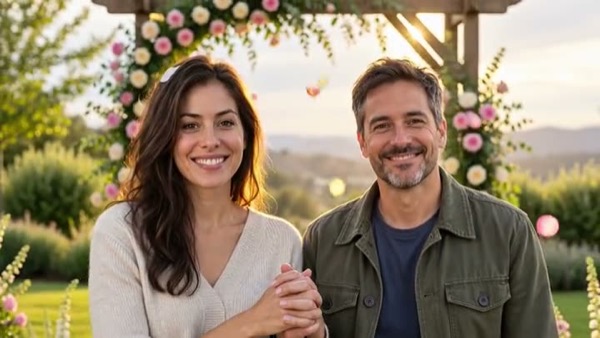
How to make a Chipmunks dance video from a photo
- Upload a clear photo (JPG, PNG or WebP). A face or body that fills a good part of the frame works best.
- Pick the Chipmunks dance motion — bounce, a full spin and a hair flip, and the shape: 9:16 for TikTok and Reels, 16:9 for YouTube, 1:1 for feeds.
- Tick the box confirming you have the right to use the photo, then press Make my video.
- Wait about a minute. Play it, download the MP4, or share a link.
What is the chipmunks dance trend?
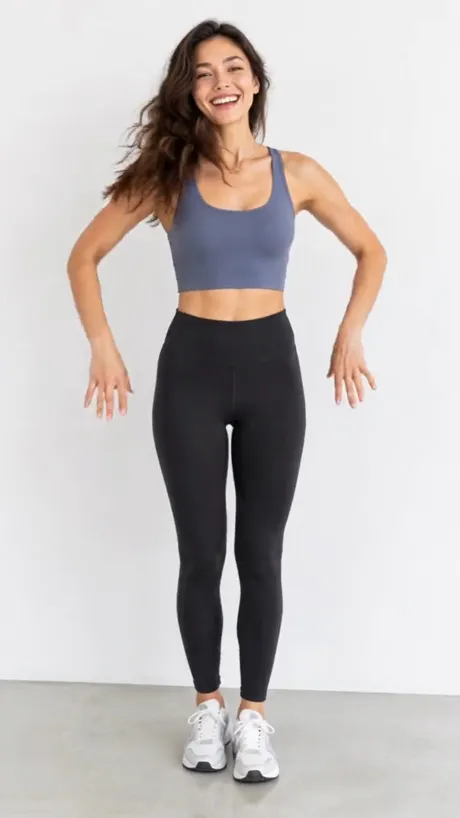
The chipmunks dance trend is a TikTok and Reels dance from October 2026: three friends stand in a row, bounce, spin, flip their hair and take turns in front, set to a sped-up, high-pitched pop song. People post it with friends, sisters, coworkers and pets. With the chipmunks dance AI video generator on this page you skip the filming: one photo becomes the dance.
| Also searched as | Same thing? |
|---|---|
| chipmunks dance ai / chipmunks dance | Yes — the dance this page makes |
| chipmunks dance ai trend / chipmunk dance trend | Yes — the trend name |
| chipmunks dance ai video generator | Yes — this tool, from one photo |
Solo, group or pet: which photo to upload
| You want | Upload | What you get |
|---|---|---|
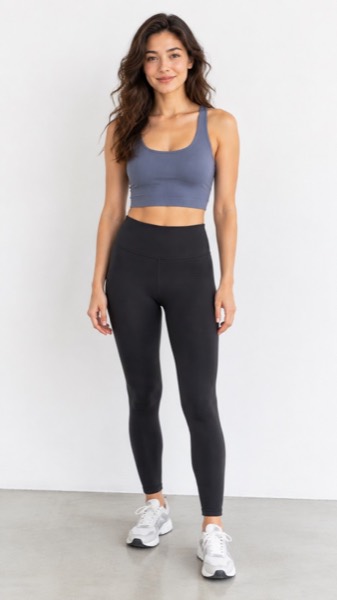
| Solo version | One full-body photo of you | You bounce, spin and flip your hair |
| Trio or duo | One photo with everyone standing side by side | Everyone in the photo spins together |
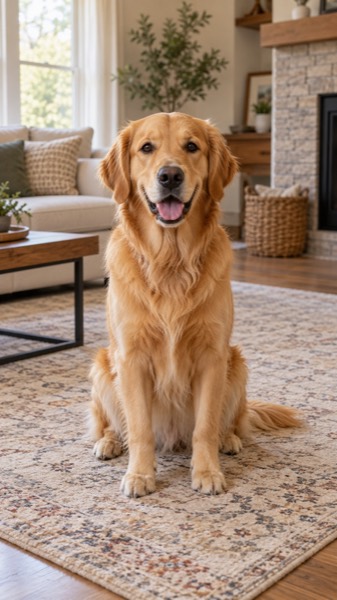
| Pet version | One photo of your dog or cat | Up on hind legs for a bouncy twirl |
MoveFrame animates one photo at a time, so for the three-person version take or pick a single picture with all three of you in it — a group photo works better than three separate selfies. Full-body shots show the spin; a tight face crop hides it.
MoveFrame vs other chipmunks dance AI tools
Checked on 10 November 2026 from each tool's public page. Features change — check before you pay.
| MoveFrame | makeviral.ai template | |
|---|---|---|
| Price to try | First video free, no sign-up | 228 credits per clip |
| Wait | About a minute | Up to several minutes |
| Photos | One photo (solo, group shot or pet) | Three photos, solo or pets |
| Length and sound | 5 seconds, silent — add the sound when posting | 15 seconds with the song |
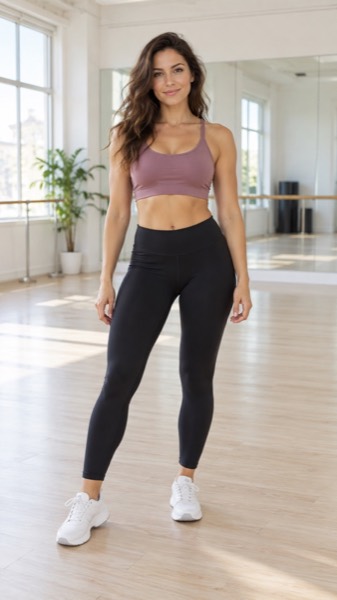
| Real output clips on the page | Yes, 4 unedited clips with their input photo | Preview clips |
MoveFrame is independent and not affiliated with makeviral.ai, TikTok or any film or music owner. No film characters, songs or footage are used — only your photo.
How to post it
- Download the 5-second MP4 (9:16).
- In TikTok or Reels, tap Add sound and search the chipmunks dance trend sound — the app licenses it for you.
- Loop the clip two or three times in the editor if you want it to last the whole chorus.
Sizes, lengths and quality
| Setting | Free | With credits |
|---|---|---|
| Length | 5 seconds | 5 or 10 seconds |
| Shape | 9:16, 16:9 or 1:1 | 9:16, 16:9 or 1:1 |
| Quality | Standard 480p | Standard, HD 720p or Max 720p (premium model) |
| Watermark | None on your free video | None |
| Cost | 5 credits (your free video covers it) | 5–40 credits |
Every video downloads as an H.264 MP4 that plays on iPhone, Android, TikTok, Instagram Reels, YouTube Shorts and WhatsApp.
What MoveFrame will not make
Every photo is checked before anything is generated. If a check fails, nothing is charged.
- No nudity or sexual content, and no "uncensored" mode.
- Family photos with little ones are fine on everyday templates; couple, wedding and baby-prediction templates are adults-only, and nothing suggestive is ever made with anyone under 18.
- No celebrities, politicians or other public figures, and no face swap.
- Hug, kiss and baby templates ask you to confirm that both adults in the photos agree.
- Your free video has no watermark, and every video is labelled as AI-generated in its file data.
- See something wrong? Every video page has a Report link. We take reported videos down and answer within 48 hours.
Frequently asked questions
Is it really free?
Your first video is free — no sign-up, no card, no watermark (Standard quality, up to 5 seconds). In many regions you also get one free video a day. Credit packs start at $9.90 for 100 credits (valid 12 months, no subscription); Pro is $9.90/month for 120 credits.
Is there a free chipmunks dance AI video generator?
Yes. On MoveFrame your first chipmunks dance video is free with no sign-up: upload one photo, keep Chipmunks dance selected and press Make my video.
Can I make the three-person chipmunks dance?
Yes, from one photo that shows all three of you standing side by side. MoveFrame animates everyone in that photo together. It can't yet merge three separate selfies into one scene.
Does the video come with the song?
No. The clip is silent motion. Add the trend sound inside TikTok or Reels when you post, which also keeps the music licensed.
Can my dog or cat do the chipmunks dance?
Yes. Upload a pet photo and it stands up, bounces and twirls once. See the dog example above.
Does it still look like me?
Yes. Face, hair, clothes and background are kept; only the movement is added. Very fast spins can soften details for a frame or two.
How long does it take?
Most 5-second videos are ready in 40–90 seconds. 10-second and Max quality videos can take up to 3 minutes. You can keep using the page while it works.
What if the video fails or my photo is rejected?
Credits come back automatically. A photo that fails the safety check is rejected before any credit is spent, and a video that fails during generation is refunded in full.