
How to make a Thanksgiving video from a photo
- Upload a clear photo (JPG, PNG or WebP). A face or body that fills a good part of the frame works best.
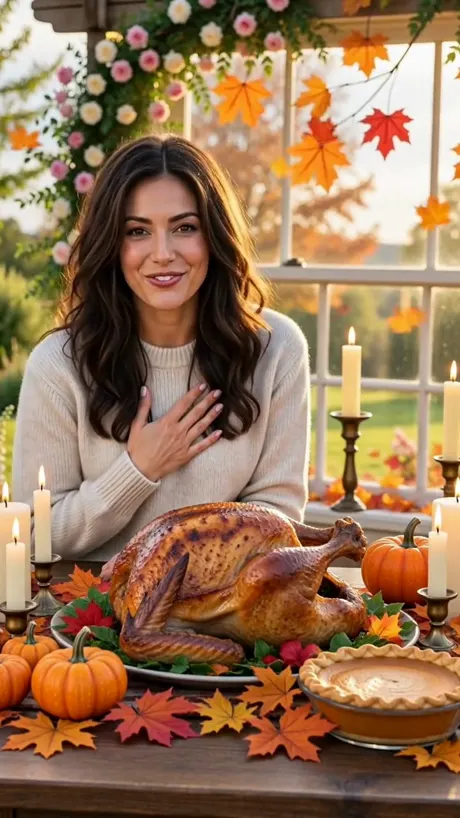
- Pick the Thanksgiving motion — it adds the table, turkey, pie and autumn leaves for you, and the shape: 9:16 for TikTok and Reels, 16:9 for YouTube, 1:1 for feeds.
- Tick the box confirming you have the right to use the photo, then press Make my video.
- Wait about a minute. Play it, download the MP4, or share a link.
Why a video instead of a Thanksgiving e-card
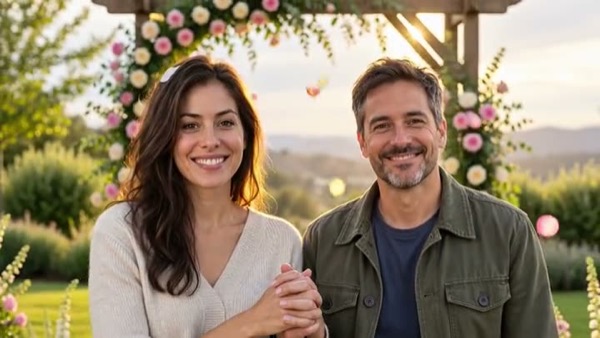
An e-card shows a stock family. A Thanksgiving video from your own photo shows you — the same face, clothes and smile — saying thank you. It takes about a minute and works as a message to parents, a team thank-you or a post.
MoveFrame vs other ways to make a Thanksgiving greeting
| MoveFrame | Animated e-card | Template video editor | |
|---|---|---|---|
| Shows your real photo moving | Yes | No — stock characters | Your photo, but it stays still |
| Time to make | About 1 minute | A few minutes | 10–30 minutes |
| Account needed | No for the first video | Usually | Usually |
| Cost | First video free, then $9.90 pack | Often a yearly membership | Free with limits |
Sizes, lengths and quality
| Setting | Free | With credits |
|---|---|---|
| Length | 5 seconds | 5 or 10 seconds |
| Shape | 9:16, 16:9 or 1:1 | 9:16, 16:9 or 1:1 |
| Quality | Standard 480p | Standard, HD 720p or Max 720p (premium model) |
| Watermark | None on your free video | None |
| Cost | 5 credits (your free video covers it) | 5–40 credits |
Every video downloads as an H.264 MP4 that plays on iPhone, Android, TikTok, Instagram Reels, YouTube Shorts and WhatsApp.
What MoveFrame will not make
Every photo is checked before anything is generated. If a check fails, nothing is charged.
- No nudity or sexual content, and no "uncensored" mode.
- Family photos with little ones are fine on everyday templates; couple, wedding and baby-prediction templates are adults-only, and nothing suggestive is ever made with anyone under 18.
- No celebrities, politicians or other public figures, and no face swap.
- Hug, kiss and baby templates ask you to confirm that both adults in the photos agree.
- Your free video has no watermark, and every video is labelled as AI-generated in its file data.
- See something wrong? Every video page has a Report link. We take reported videos down and answer within 48 hours.
Frequently asked questions
Is it really free?
Your first video is free — no sign-up, no card, no watermark (Standard quality, up to 5 seconds). In many regions you also get one free video a day. Credit packs start at $9.90 for 100 credits (valid 12 months, no subscription); Pro is $9.90/month for 120 credits.
Can I use an old family photo?
Yes, if the faces are clear. For a photo of someone who has passed away, the old photo animation page keeps the original look more gently.
Does it say "Happy Thanksgiving"?
No text is drawn in the video, so nothing is misspelled. Add your own words in Instagram, TikTok or CapCut.
Can I use it after Thanksgiving?
Yes. For Christmas, try the Christmas or elf presets with the same photo.
How long does it take?
Most 5-second videos are ready in 40–90 seconds. 10-second and Max quality videos can take up to 3 minutes. You can keep using the page while it works.
What if the video fails or my photo is rejected?
Credits come back automatically. A photo that fails the safety check is rejected before any credit is spent, and a video that fails during generation is refunded in full.