How to animate your child's drawing with AI
- Lay the drawing flat in daylight and take a photo from straight above, with the whole page in the frame.
- Upload it above and keep Kids drawing selected. 1:1 suits most pages; pick 9:16 or 16:9 if the drawing is tall or wide.
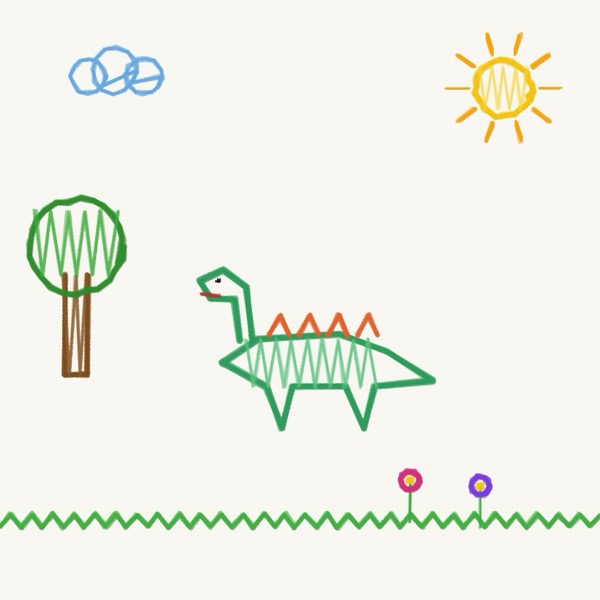
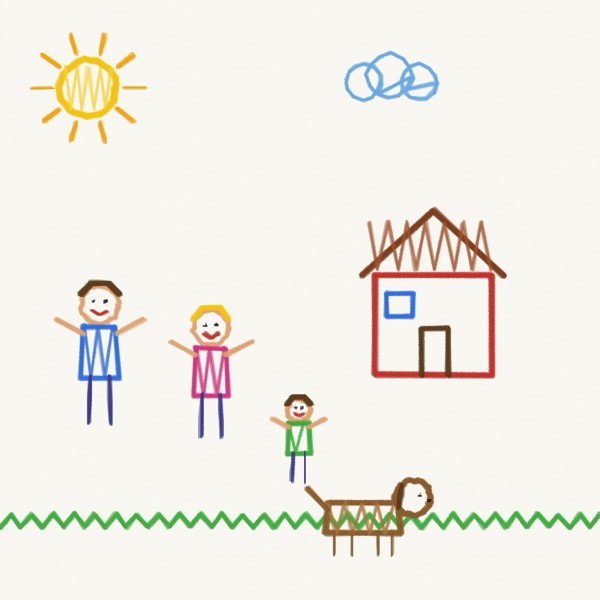
- Optional: type what should move, for example "the dinosaur stomps and roars" or "the family waves".
- Press Make my video and download the MP4 about a minute later.
It stays your child's drawing
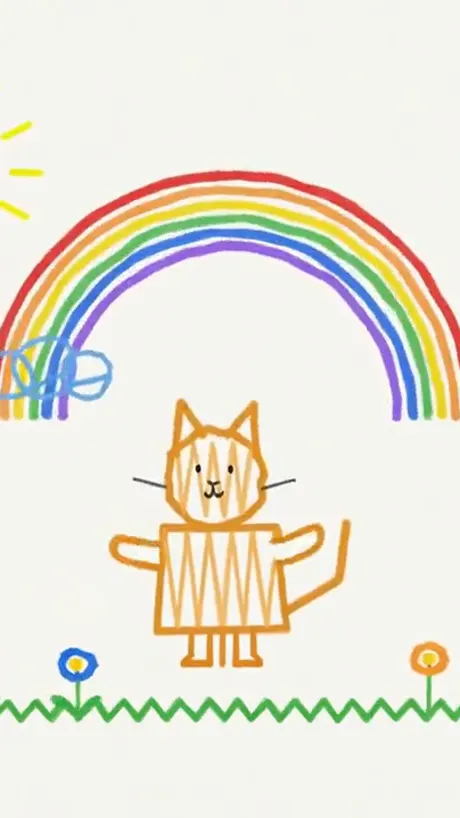
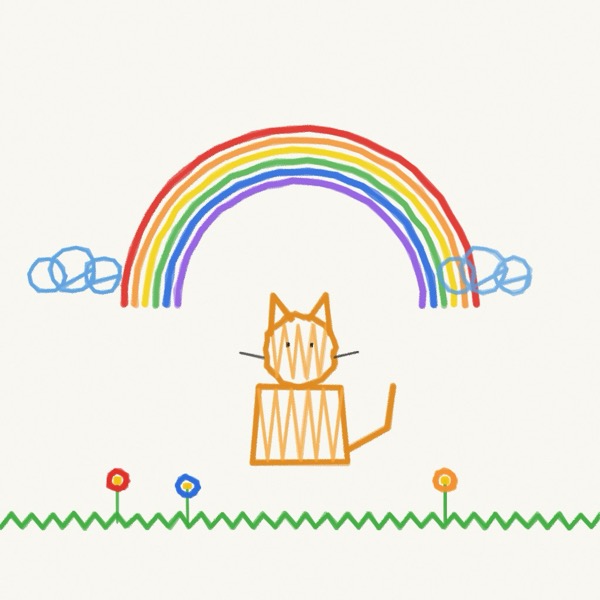
Many AI tools redraw a sketch as a polished cartoon. This preset is told to keep it flat and 2D, keep every crayon stroke and colour, keep the paper, and not add new characters — so your child recognises their own picture, just moving.
- Crayon, marker, coloured pencil, paint and chalk all work.
- People, animals, dinosaurs, cars, houses, suns and rainbows can move.
- Only the drawing is uploaded; no photo of your child is needed.
MoveFrame vs other kids drawing animators
Checked on 17 November 2026 from each tool's public page. Features change — check before you buy.
| MoveFrame | Animy | VdoBloom | |
|---|---|---|---|
| Free to try | First video free, no sign-up | 1 free animation | 10 credits after sign-up |
| Watermark on the free result | No | Yes | See their page |
| Cheapest paid option | $9.90 credit pack once, valid 12 months | Plus plan (10 animations/month) | Subscriptions from $15/month, or credit packs |
| Keeps the original crayon look | Yes — flat 2D, strokes kept | Animated character | Depends on the prompt |
MoveFrame is independent and not affiliated with Animy or VdoBloom. Their names are trademarks of their owners.
Stick figures and doodles
For a single stick figure on notebook paper or a whiteboard, the stick figure animation page has a preset tuned for thin lines. Use this page for coloured, full-page drawings.
Ideas
- Grandparents' gift: send the animated drawing with the original photo.
- Keep a yearly album — one moving drawing per birthday.
- Show the class: teachers can animate a drawing from each pupil (photos of the drawings only).
Sizes, lengths and quality
| Setting | Free | With credits |
|---|---|---|
| Length | 5 seconds | 5 or 10 seconds |
| Shape | 9:16, 16:9 or 1:1 | 9:16, 16:9 or 1:1 |
| Quality | Standard 480p | Standard, HD 720p or Max 720p (premium model) |
| Watermark | None on your free video | None |
| Cost | 5 credits (your free video covers it) | 5–40 credits |
Every video downloads as an H.264 MP4 that plays on iPhone, Android, TikTok, Instagram Reels, YouTube Shorts and WhatsApp.
Frequently asked questions
Is it really free?
Your first video is free — no sign-up, no card, no watermark (Standard quality, up to 5 seconds). In many regions you also get one free video a day. Credit packs start at $9.90 for 100 credits (valid 12 months, no subscription); Pro is $9.90/month for 120 credits.
How do I animate my kids drawing for free?
Your first video is free with no account and no watermark. Upload a photo of the drawing above and press Make my video.
Will it turn the drawing into a 3D cartoon?
No. The preset keeps the drawing flat and 2D, in the same crayon or marker strokes and colours, on the same paper.
Is my child's photo needed?
No — only a photo of the drawing. Please don't upload photos of children; people presets reject them.
How long does it take?
Most 5-second videos are ready in 40–90 seconds. 10-second and Max quality videos can take up to 3 minutes. You can keep using the page while it works.
What if the video fails or my photo is rejected?
Credits come back automatically. A photo that fails the safety check is rejected before any credit is spent, and a video that fails during generation is refunded in full.