How to make a motion video from a photo
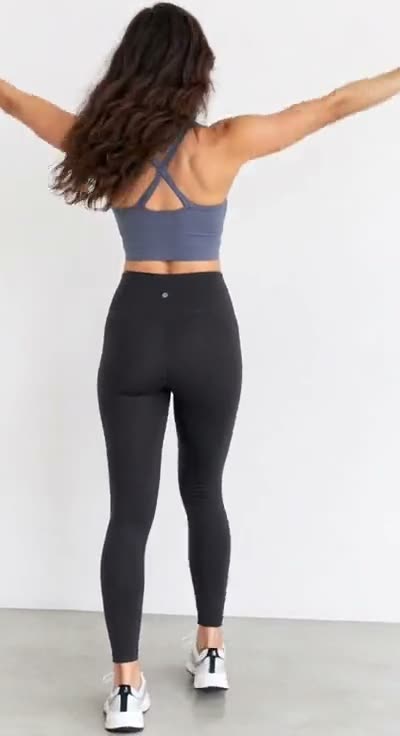
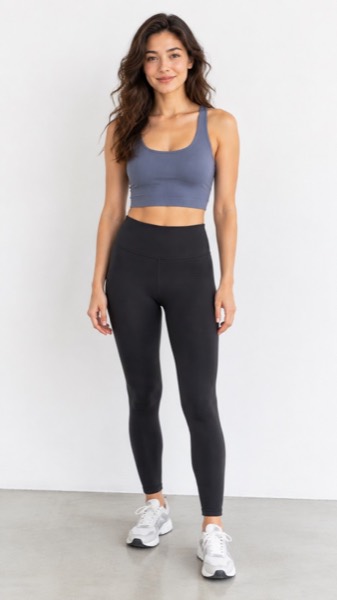
- Upload a clear photo (JPG, PNG or WebP). A face or body that fills a good part of the frame works best.
- Pick a motion, and the shape: 9:16 for TikTok and Reels, 16:9 for YouTube, 1:1 for feeds.
- Tick the box confirming you have the right to use the photo, then press Make my video.
- Wait about a minute. Play it, download the MP4, or share a link.
Best AI video generator by task
| You want to… | Type of tool | On MoveFrame |
|---|---|---|
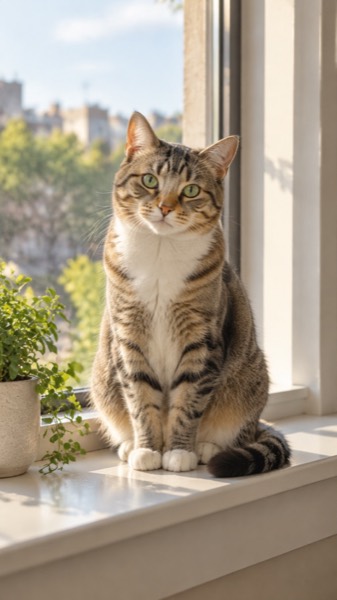
| Make one photo move (smile, dance, hug, pet) | Photo-to-video templates | Yes — the core of the site |
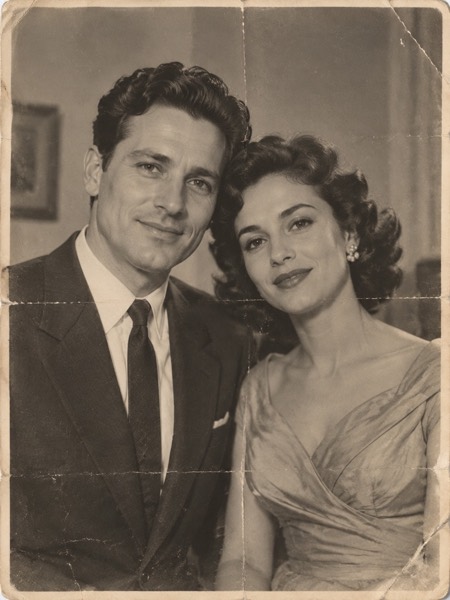
| Bring an old family photo to life | Photo restoration + animation | Yes — Old photo |
| Viral effects: Earth zoom, 3D photo, football skills | Trend templates | Yes |
| A short scene from a sentence | Text-to-video | Yes, 5–10 s clips |
| A long, multi-shot film with sound | Cinematic text-to-video models | No |
| A talking presenter reading a script | Avatar / lip-sync tools | No |
| Edit an existing long video | Video editors with AI features | No — we make new clips |
Six things to check in any AI video generator
| Check | Why | MoveFrame |
|---|---|---|
| Free amount without an account | Many free plans need sign-up and a card | First AI video free, no account |
| Watermark | Matters if you post it | None on the free AI video or paid videos |
| Length and resolution | 2–3 s clips look like GIFs | 5 or 10 s, up to 720p |
| Presets vs prompts only | Presets work first time | 26+ one-tap templates, optional prompt |
| Subscription or pay once | Occasional users overpay on monthly plans | Packs from $9.90, or Pro $9.90/month |
| Refund on failure | Failed renders often still cost credits | Automatic refund |
If you only need free and unlimited, the in-browser motion maker (loops, zooms, slideshows) costs nothing and uploads nothing.
Sizes, lengths and quality
| Setting | Free | With credits |
|---|---|---|
| Length | 5 seconds | 5 or 10 seconds |
| Shape | 9:16, 16:9 or 1:1 | 9:16, 16:9 or 1:1 |
| Quality | Standard 480p | Standard, HD 720p or Max 720p (premium model) |
| Watermark | None on your daily free video | None |
| Cost | 5 credits (free daily credits cover 1) | 5–40 credits |
Every video downloads as an H.264 MP4 that plays on iPhone, Android, TikTok, Instagram Reels, YouTube Shorts and WhatsApp.
What it costs
The tool is at the top of this page: upload a photo and your first video is free, no account and no card. Here is what you pay if you want more.
| Price | What you get | |
|---|---|---|
| Free | $0 | Your first video: Standard quality, 5 seconds, no watermark. More free daily credits depend on your region and how busy we are. |
| Pro | $9.90/month | 120 credits a month (about 24 videos), no watermark, HD and 10-second videos, cancel any time |
| Pro, yearly | $82.90/year | $6.91/month, you save $35.90; the 120 credits still arrive every month |
| Max | $29.90/month | 400 credits a month (about 80 videos); same features as Pro, more credits |
| Credit pack | From $9.90 once | 100 credits, valid 12 months, no subscription |
Failed or blocked videos are refunded automatically, and any payment can be refunded within 7 days.
What MoveFrame will not make
Every photo is checked before anything is generated. If a check fails, nothing is charged.
- No nudity or sexual content, and no "uncensored" mode.
- Family photos with little ones are fine on everyday templates; couple, wedding and baby-prediction templates are adults-only, and nothing suggestive is ever made with anyone under 18.
- No celebrities, politicians or other public figures, and no face swap.
- Hug and baby templates ask you to confirm that both adults in the photos agree.
- Your daily free video has no watermark, and every video is labelled as AI-generated in its file data.
- See something wrong? Every video page has a Report link. We take reported videos down and answer within 48 hours.
Frequently asked questions
What is the best AI video generator for photos?
For turning one photo into a short clip, a template-based photo-to-video tool is fastest. MoveFrame does dances, hugs, old photos, pets, Earth zoom and 3D photo in one tap, with your first AI video free and no account.
What is the best free AI video generator?
Look for no sign-up, no watermark and at least 5-second clips. MoveFrame's first AI video is free on all three counts, and its in-browser motion videos are free and unlimited.
Which AI video generator makes long videos?
MoveFrame makes 5 or 10-second clips. For long multi-shot films, use a cinematic text-to-video model and edit the clips together.
How long does it take?
Most 5-second videos are ready in 40–90 seconds. 10-second and Max quality videos can take up to 3 minutes. You can keep using the page while it works.
What if the video fails or my photo is rejected?
Credits come back automatically. A photo that fails the safety check is rejected before any credit is spent, and a video that fails during generation is refunded in full.
What happens to my photos?
Photos are stored privately, used only to make your video, and deleted after 24 hours. Videos are kept for 30 days so you can download them, then deleted. They are private unless you share the link or enter the daily challenge. We never use your photos to train AI models.