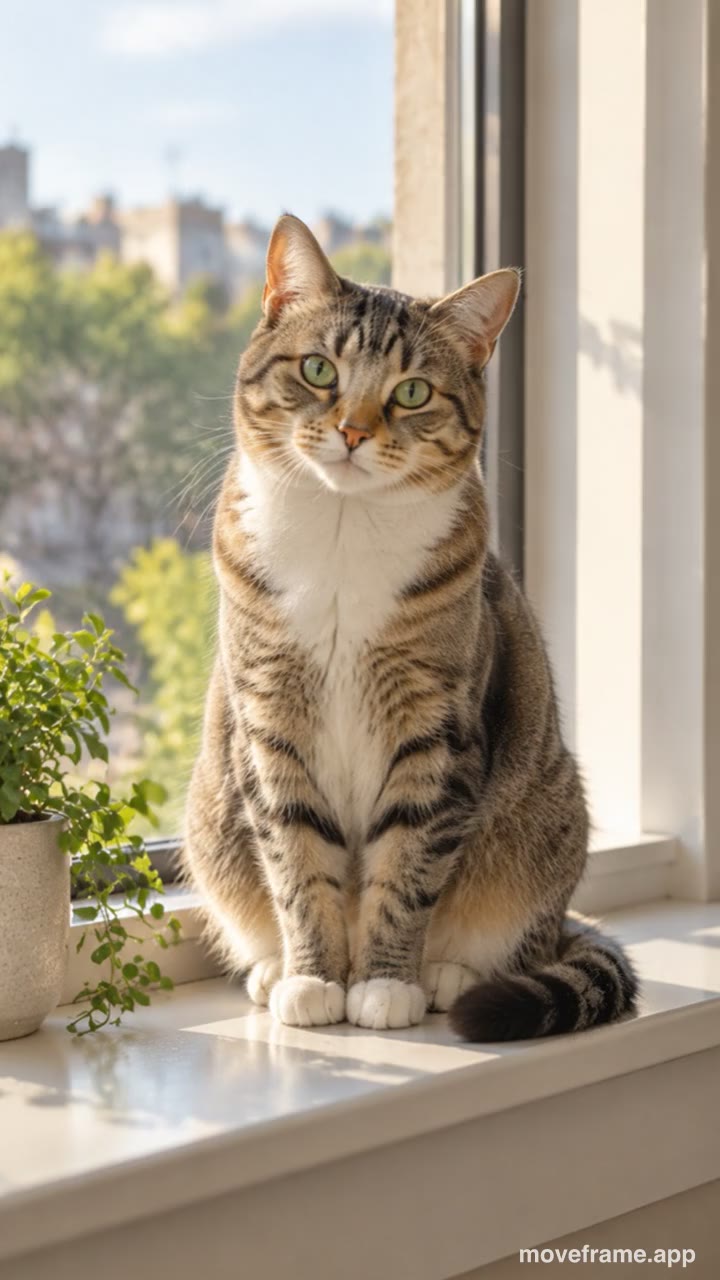


How to make a seamless loop video from a photo
- Press Choose photos and pick one photo (or up to 6 for a looping slideshow).
- Keep Seamless loop selected and pick a shape: 9:16 for stories, 1:1 for profiles and feeds, 16:9 for websites.
- Add a caption if you like, then press Make free video.
- Save it to your phone or share it. Set it to loop in your app or on your site.
Loop video or AI video?
| Photo loop (this page) | AI photo to video | |
|---|---|---|
| What moves | The camera: a slow breathe-and-drift | The people or pets in the photo |
| Loops seamlessly | Yes, last frame = first frame | No, a 5-second clip |
| Free | Unlimited | First video free |
| Uploads your photo | No, made on your device | Yes, deleted after 24 hours |
| Mark | Small moveframe.app mark | None |
Want a cinemagraph-style loop where the person also moves? Make an AI video first, then loop it in your app.
Where loop videos work
- Profile videos and live-photo style avatars.
- Instagram and WhatsApp stories that keep playing.
- Website hero backgrounds and product shots.
- Digital frames and slides.
Frequently asked questions
Is it really free?
Yes. Loop and motion videos are made in your browser, so they cost us nothing: free, unlimited, no account. They carry a small moveframe.app mark.
Is my photo uploaded?
No. The video is drawn and recorded on your own device; the photo never leaves it.
Does the loop have a jump at the end?
No. The move returns to exactly the first frame, so the video repeats smoothly when your app loops it.
Is this AI?
No. The loop is a camera move made in your browser. For people who really move — smile, wave, dance — use the AI photo to video tool; your first AI video is free.
Which file do I get?
An MP4 on most phones and Safari, or WebM on some desktop browsers. Both post to Instagram, TikTok and WhatsApp.
Can I make a seamless looping GIF?
Yes. After the video is made, tap "Also save as a looping GIF": the same loop is drawn again as an endless 360-pixel-wide GIF in your browser, free and with nothing uploaded. Use it in chats, slides or sites that don't play video.