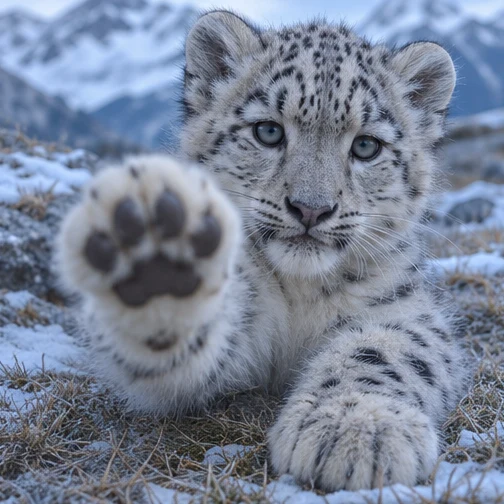
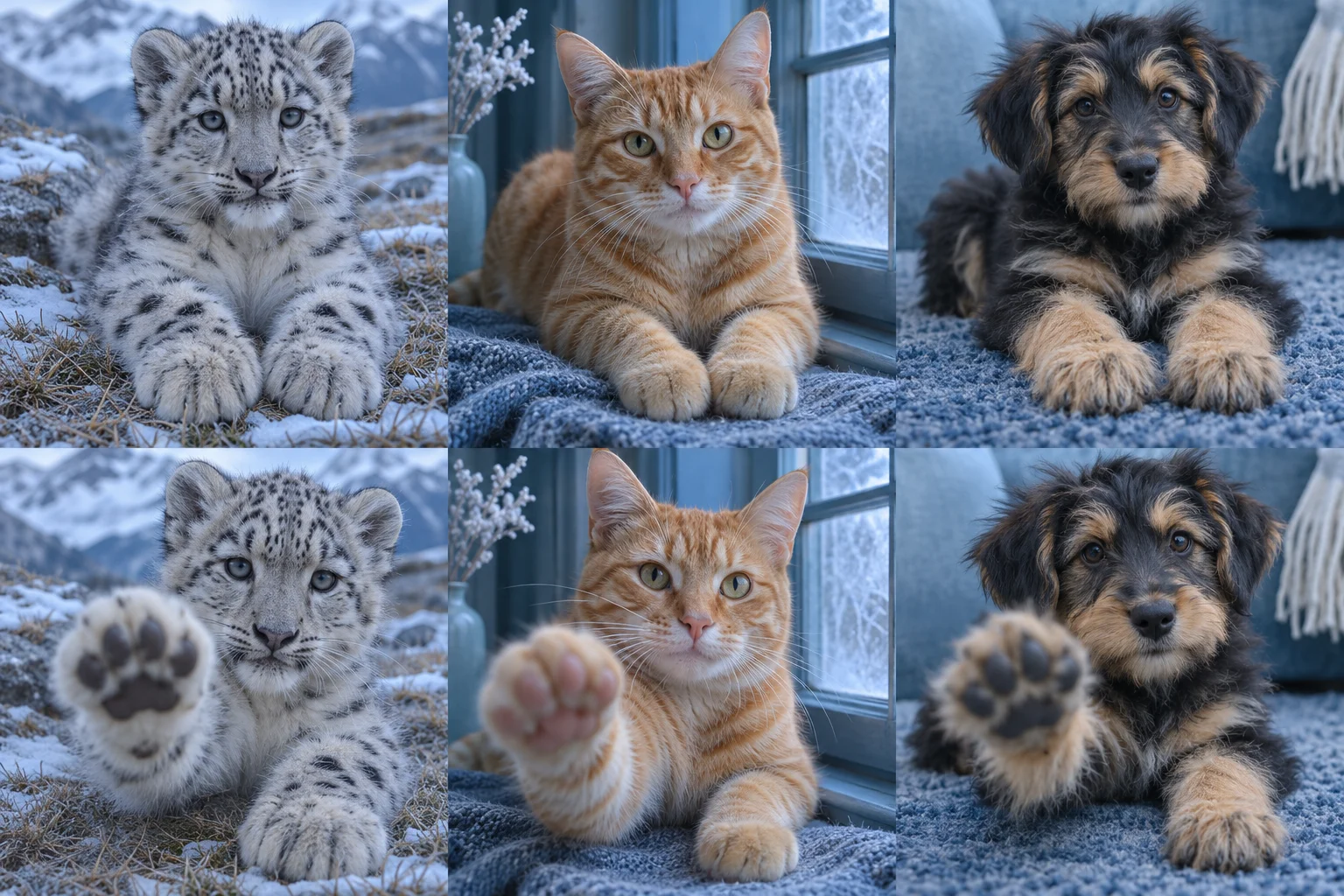
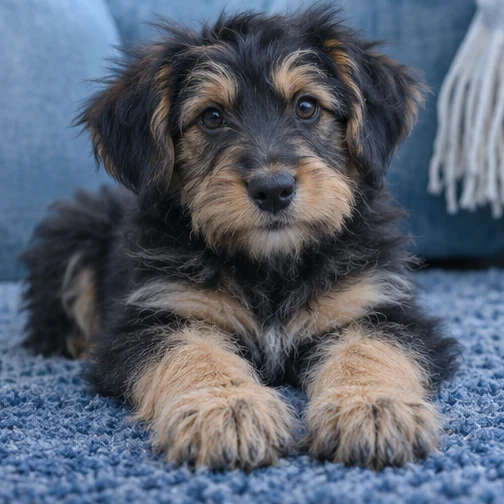
How to make a pet paws-at-camera video
- Choose one photo you have permission to use. Leave space between the camera and your pet's front paws.
- Upload it and keep Paws at the camera selected. Choose 9:16 for a vertical post.
- Confirm the photo rights and select Make the paw-tap video. Preview the MP4 and download it when ready.
Which pet photo works best?
| Check | What to use |
|---|---|
| Input | One clear photo of one cat, dog or other animal |
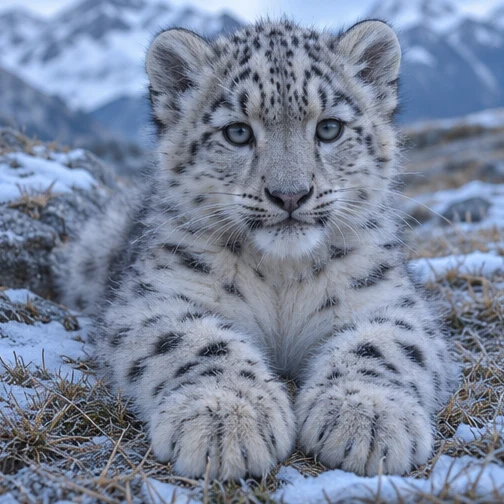
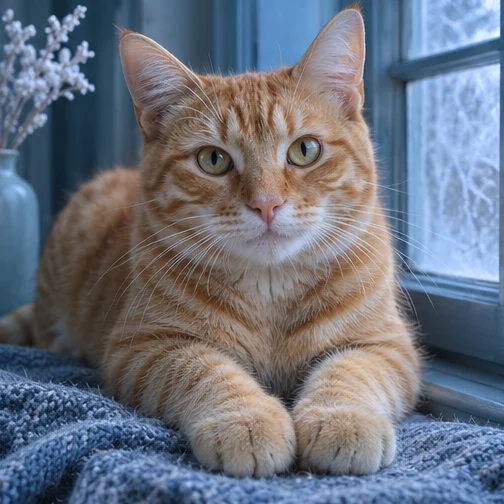
| Framing | Eye-level, face and at least one front paw visible |
| Motion | One fixed-camera paw tap with a brief peek back at the end |
| Output | Short MP4. Use 9:16 for Reels, TikTok or Shorts |
| Free access | First Standard clip when free capacity is available. No account or card needed. |
Frequently asked questions
What does “snow leopard paws at you” mean?
It is the caption and gesture behind the Snowmei reaction meme: a wide-eyed snow leopard reaches toward the viewer as if tapping the screen.
Can I make the Snowmei effect with my cat or dog?
Yes. Upload a clear pet portrait with a front paw in view. The prompt asks the model to keep the species, coat and markings from your photo.
How do I stop the paw from covering the whole video?
Choose a photo with a little space around the face and chest. The preset asks for the paw to cover the lens briefly and then drop back out of the way.
Do I need an account or a subscription?
The first Standard clip is free with no account or card when free capacity is available. Credit packs start at $9.90 for 100 credits (valid 12 months, no subscription); Pro is $9.90/month for 120 credits.
What if the video fails or my photo is rejected?
Credits come back automatically. A photo that fails the safety check is rejected before any credit is spent, and a video that fails during generation is refunded in full.