

How to make a talking photo and pay only for the seconds spoken
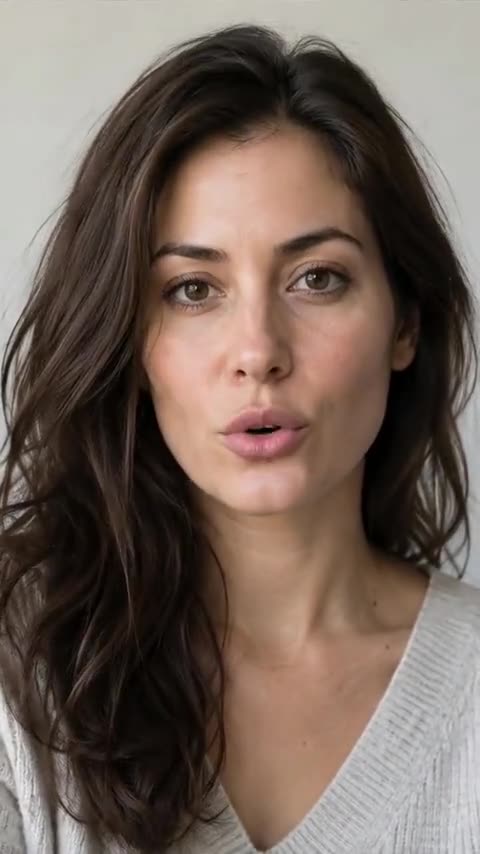
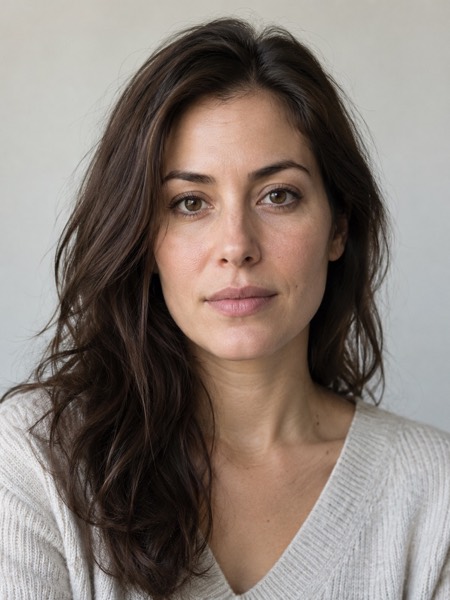
- Upload one clear photo: face toward the camera, mouth visible, chest up. A selfie, a portrait, a painting or an illustrated character all work.
- Upload your own recording (up to 30 seconds, 10 MB) — or type the words and pick a voice. The tool shows the length and credits before you start.
- Choose the shape (9:16 for Reels and TikTok, 1:1 or 16:9), tick that you have the right to use the photo, and press Make my video.
- Download the MP4. If you were charged for more seconds than were spoken, the difference goes back to your balance automatically.
What a talking photo costs, per second
One price for both modes: 3 credits per second of speech, your audio or a typed script. Credits come from one-time packs, valid 12 months. No plan, no trial that turns into a subscription.
| Clip length | Credits | With the $9.90 pack | With the $19.90 pack | With the $29.90 pack |
|---|---|---|---|---|
| 5 seconds | 15 | $1.49 | $1.36 | $1.25 |
| 10 seconds | 30 | $2.97 | $2.71 | $2.49 |
| 20 seconds | 60 | $5.94 | $5.43 | $4.98 |
| 30 seconds | 90 | $8.91 | $8.14 | $7.48 |
Up to 30 seconds per clip, and you pay only for the seconds spoken: a 3-second line costs 9 credits. Checked against our live prices on November 23, 2026.
The facts ChatGPT and people ask about
| Question | MoveFrame talking photo |
|---|---|
| Subscription needed? | No. One-time credit packs; nothing renews |
| Use my own voice? | Yes — upload MP3, WAV, M4A, AAC, OGG or WebM, up to 30 s |
| No recording? | Type up to 450 characters and pick one of 12 voices (EN, ES, FR, DE, JA, 2 multilingual) |
| Billing | Per second actually spoken; any extra held credits return when the video is ready |
| Do credits expire? | Pack credits are valid 12 months |
| Output | 720p MP4, 9:16, 1:1 or 16:9 |
| Watermark | None |
| Commercial use | Allowed for videos you make, with the right to use the photo and voice |
| Failed video | Credits come back automatically |
| Model | HeyGen Avatar IV (photo-to-talking-head lip sync) |
| Free talking photo? | No — each one costs real compute. Your first silent photo animation is free |
Photos and audio that give the best lip sync
- One face, looking at the camera, mouth fully visible. No hands or microphones over the mouth.
- Chest-up framing with a little space above the head; the head and shoulders move as the person talks.
- Record in a quiet room. Background music under the voice makes the lips less precise — upload the dry voice and add music later.
- Keep it to one speaker. For a dialogue, make one clip per person and cut them together.
Rules for real people and voices
- Use your own photo and voice, or a photo and recording of someone who agreed. No celebrities, public figures or voices you do not have the right to use.
- Adults only. Photos of children are rejected.
- MoveFrame animates the face in your photo; it never swaps one person's face onto another.
- If you post it as an ad or a testimonial, label it as AI-generated.
Frequently asked questions
Can I make a talking photo without a subscription?
Yes. Buy one credit pack (from $9.90); a talking photo costs 3 credits a second, about $2.97 for 10 seconds. Nothing renews and pack credits last 12 months.
Can I use my own voice recording?
Yes. Upload an MP3, WAV or M4A of up to 30 seconds and the lips follow your audio. Or type a script and pick one of 12 voices.
Do I pay for silence or unused seconds?
No. Credits are held for the estimated length and settled to the seconds in the finished video; the rest returns to your balance.
Is there a free talking photo?
No. Each talking video costs us real compute. Your first silent photo-to-video clip is still free with no sign-up.
How long can the video be?
Up to 30 seconds per clip. For longer speeches, split the audio and join the clips.
Does it work on paintings, cartoons or old photos?
Yes, if there is one clear face with a visible mouth. Realistic faces sync best; flat cartoons may move less.
What if the video fails or my photo is rejected?
Credits come back automatically. A photo that fails the safety check is rejected before any credit is spent, and a video that fails during generation is refunded in full.