
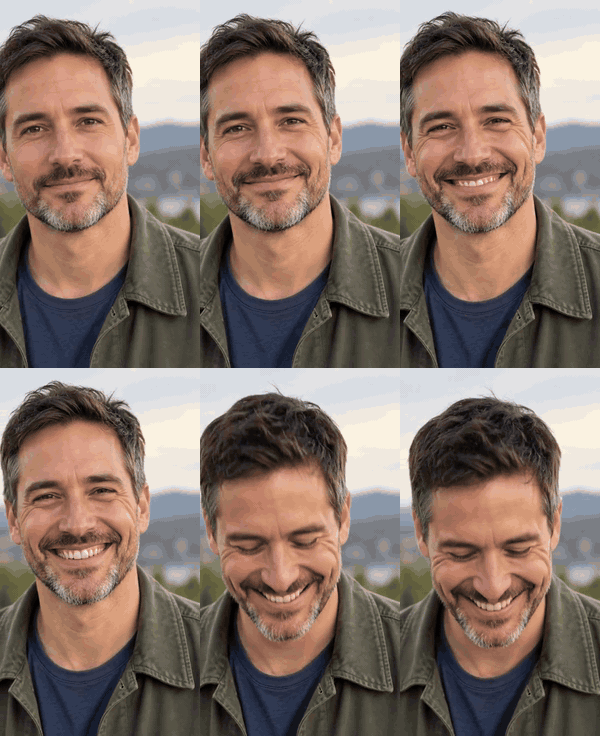
Slow grin
Animate this photo into a looping GIF: the person starts with a neutral face, then breaks into a wide, natural grin and holds it for a beat. Keep the face, hair and clothes exactly the same. No text, no new objects, camera locked.
19 prompts for turning a photo into a GIF, each with a preview of what it gives. Paste one into ChatGPT with your photo attached — or tap Make it from my photo and get the same idea as a GIF here, no account needed.
The GIFs people actually send in chats: your own face doing one clear thing. Use a front-facing photo where the face fills about a third of the frame.
Animate this photo into a looping GIF: the person starts with a neutral face, then breaks into a wide, natural grin and holds it for a beat. Keep the face, hair and clothes exactly the same. No text, no new objects, camera locked.
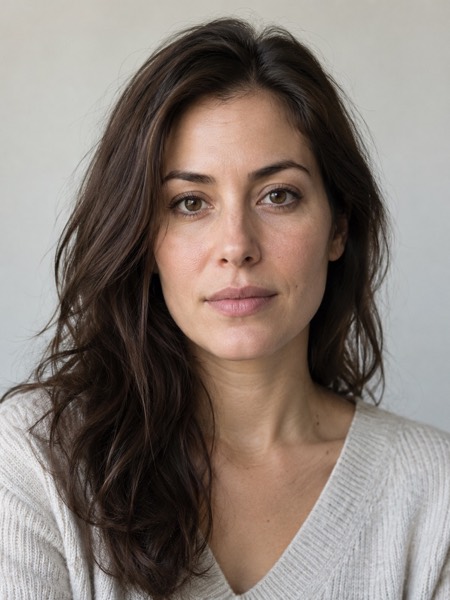
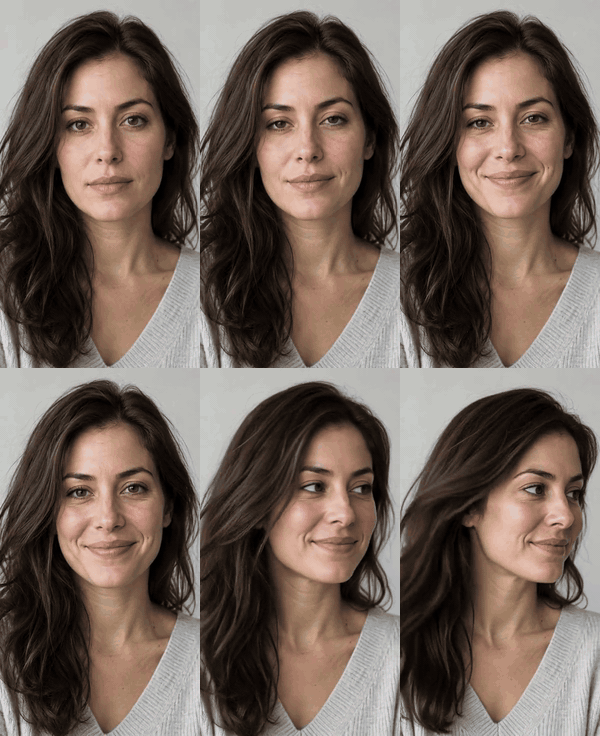
Make a short looping GIF from my photo: a slow blink, then the head turns slightly and the eyes look straight into the camera, as if someone just said something surprising. Same person, same lighting, subtle and realistic.
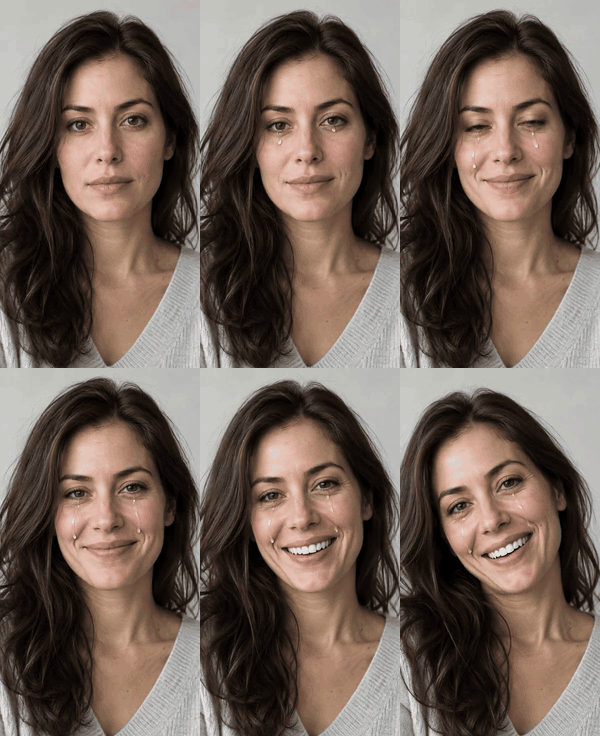
Turn this portrait into a GIF of happy tears: the eyes well up, one tear rolls down, then a moved, grateful smile. Realistic skin, no makeup changes, keep the background still. Loop it smoothly.
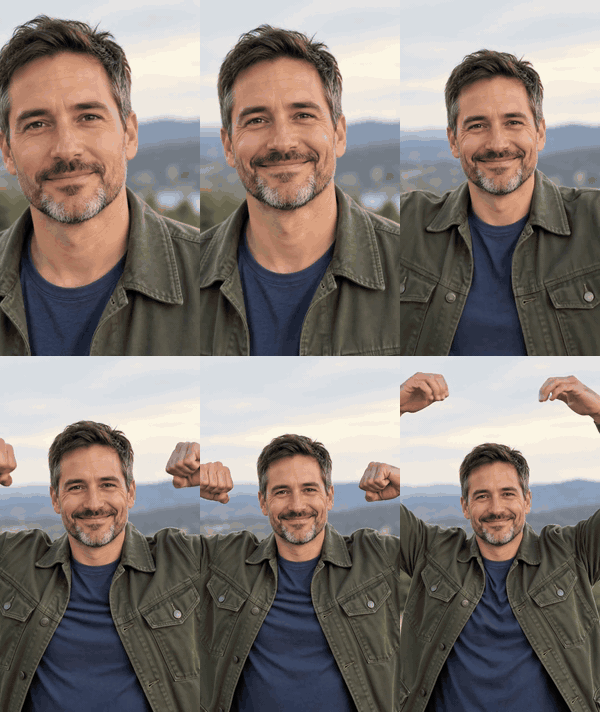
Animate my photo into a GIF: I raise both arms and flex, then bring my hands together over my head to make a heart shape and grin. Keep my face and outfit identical. Plain loop, about three seconds.
Pets forgive a lot of motion, so these come out well even from casual phone photos. Pick one where the whole animal is in frame and in focus.
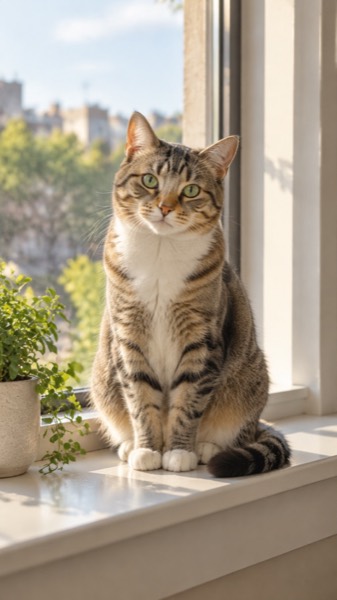
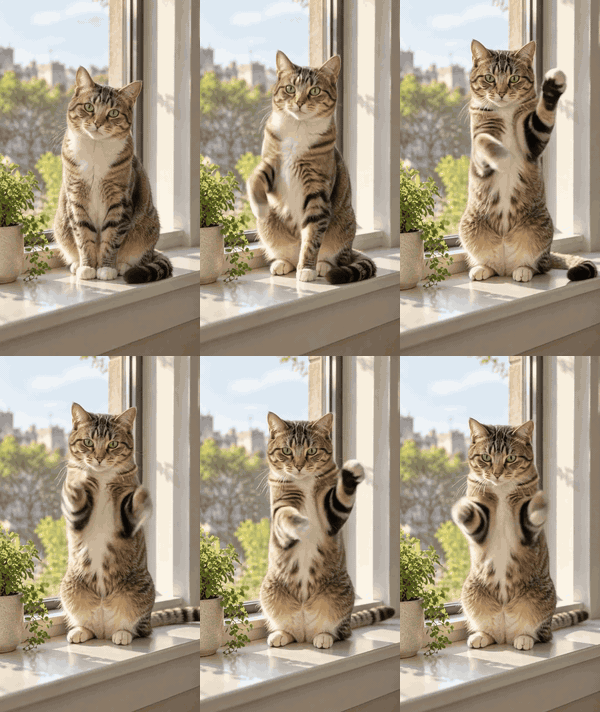
Make a GIF of the cat in this photo standing up on its back legs and doing a little dance, front paws moving to a beat. Keep its exact fur pattern and face. Funny but believable, same room, loop it.
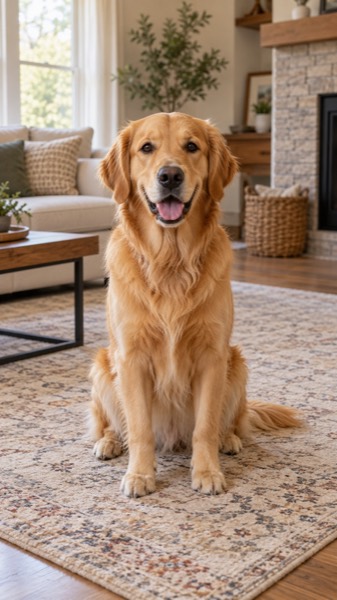
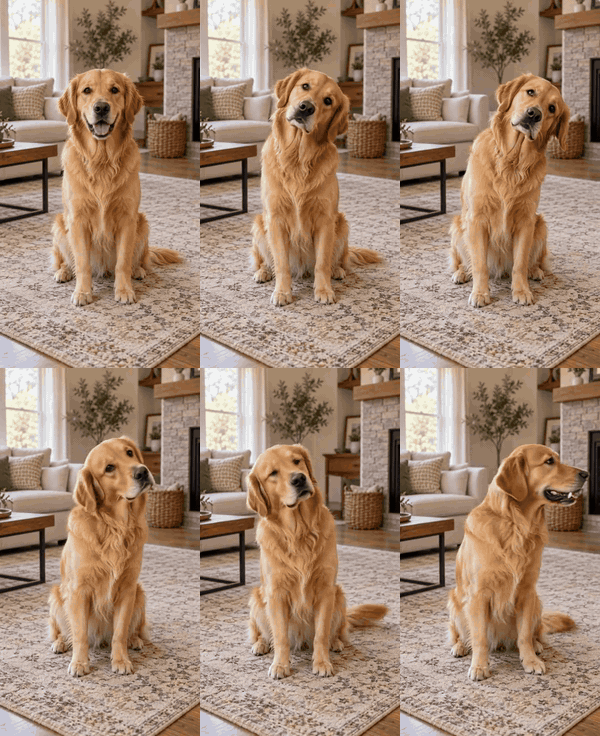
Animate my dog photo into a looping GIF: a curious head tilt to one side, ears perk up, then a happy tail wag. Same dog, same markings, natural motion, no cartoon effects.
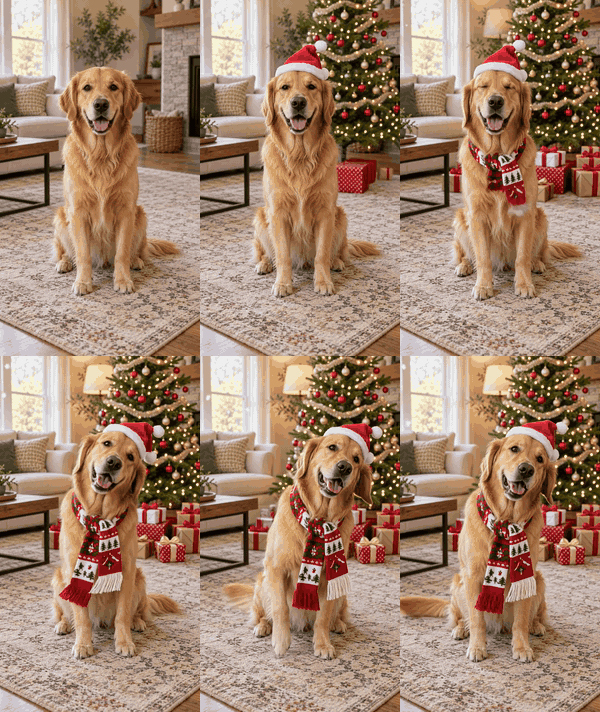
Turn this pet photo into a festive GIF: a red Santa hat appears on its head, soft fairy lights twinkle behind, and it tilts its head at the camera. Keep the animal's face and colours exactly as in the photo.
For anniversaries, weddings and family chats. Two people work best when both faces are clearly visible; for a hug you can use two separate photos.
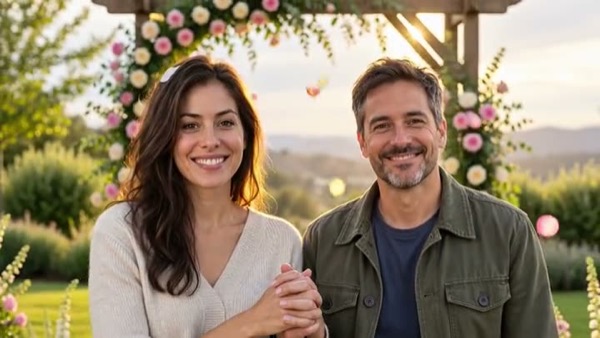
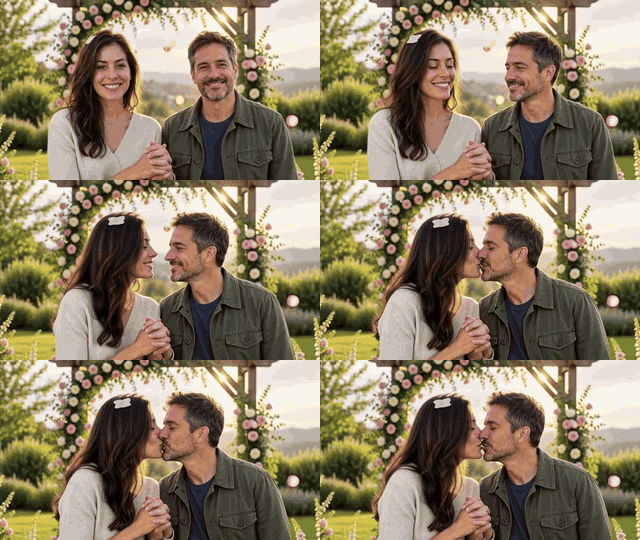
Animate this photo of a couple into a gentle GIF: they turn toward each other, lean in for one soft kiss, then smile. Keep both faces exactly the same, tasteful and romantic, background still.

Using these two photos, make a GIF of the two people walking into one warm hug and smiling, side view, soft daylight. Keep each person's face and clothes as in their own photo.
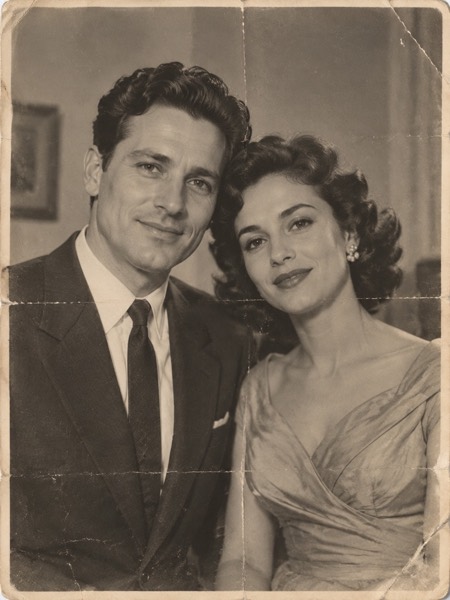
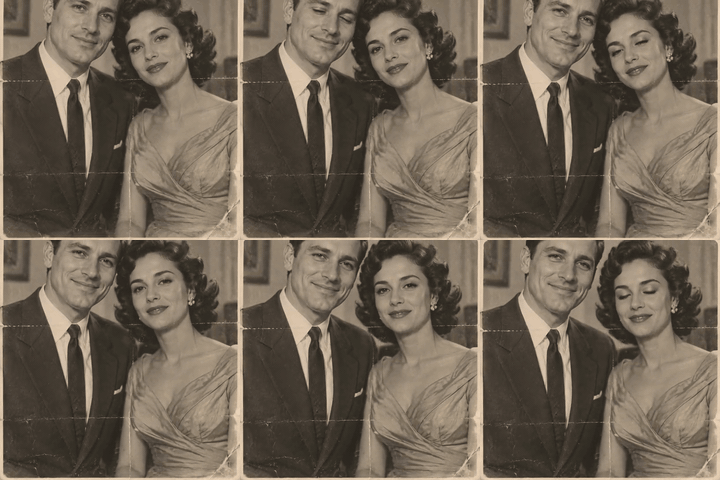
Bring this old wedding photo to life as a GIF: the couple glance at each other and smile, slight breathing, the film grain and black-and-white tones stay. Do not colourize or modernize it.
Personal greeting GIFs beat stock ones because the face is someone the recipient knows. Make one, send it in the family group.

Make a birthday GIF from this selfie: colourful balloons float up into the frame, a little confetti falls, and the person gives a big surprised smile. Keep the face identical. Square format.
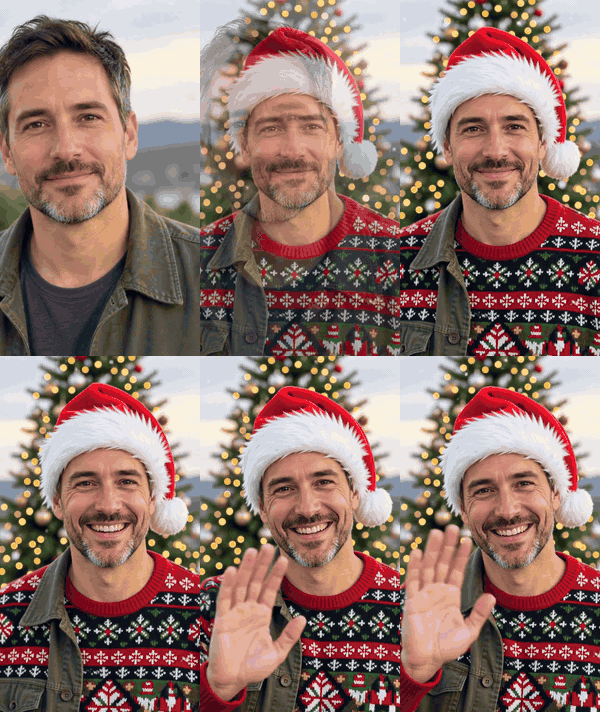
Turn my photo into a holiday GIF: warm Christmas-tree lights twinkle behind me, a few snowflakes drift past, and I laugh and wave at the camera. Same face, same clothes, cosy evening light.
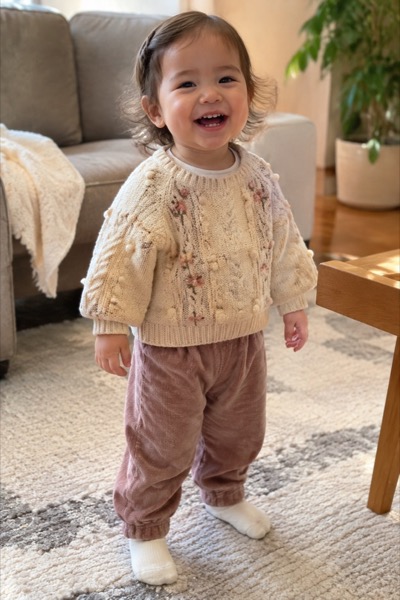
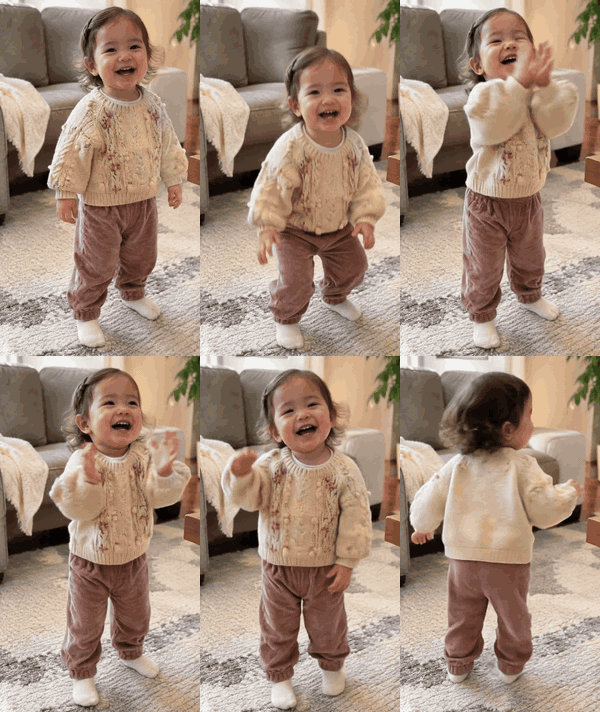
Animate this toddler photo into a cute GIF: the child bounces, claps and does a wobbly little spin, giggling. Keep the child's face and clothes exactly the same, safe and wholesome.
Loops where almost everything stays still and one thing moves. They look great on websites and as profile banners, and the GIF loop is invisible.
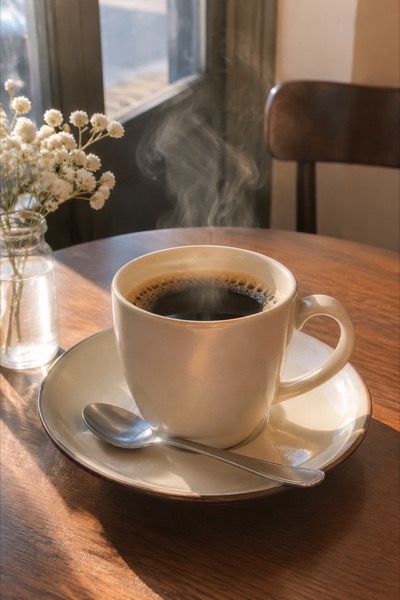
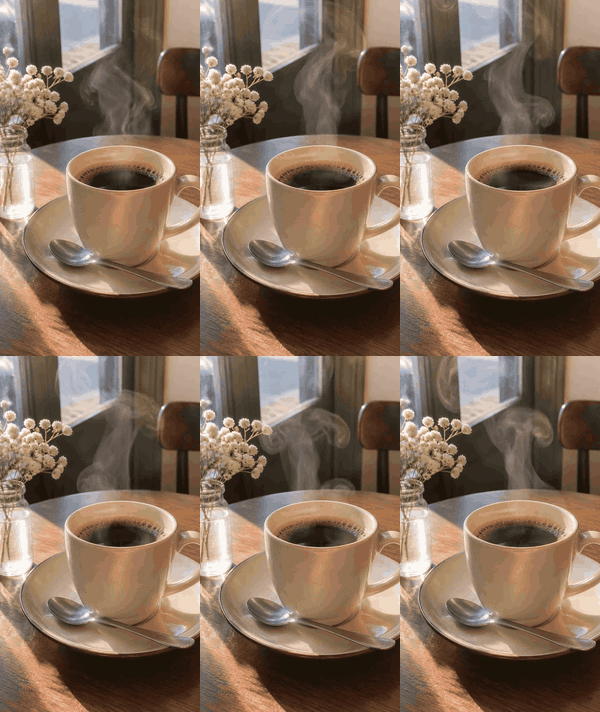
Make a seamless looping cinemagraph GIF from this photo: only the steam rising from the cup moves, everything else stays perfectly still. The last frame must match the first so the loop is invisible.
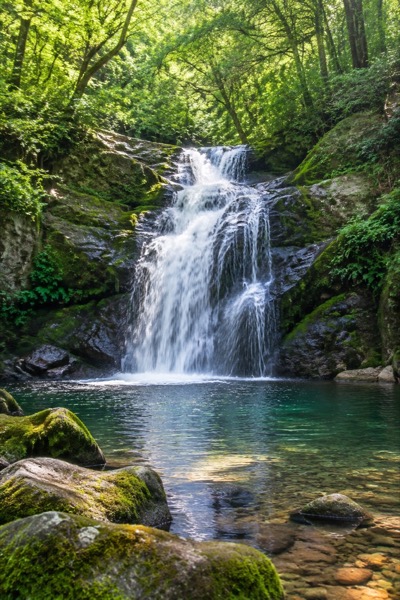
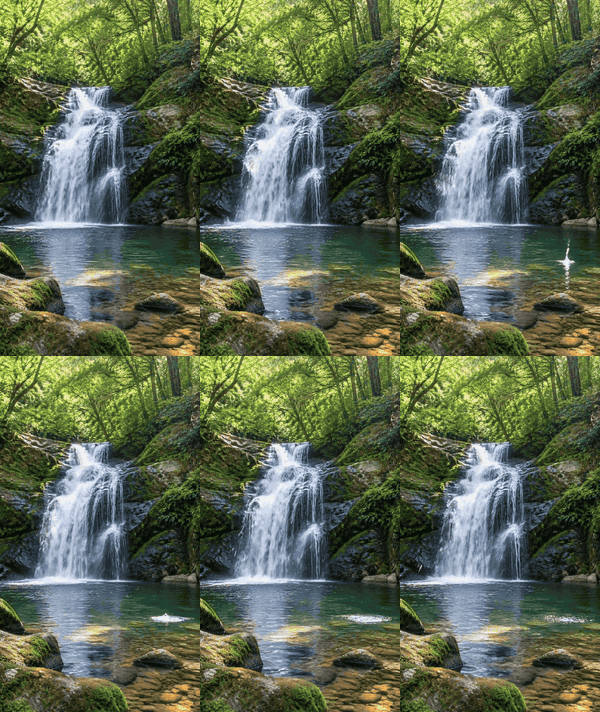
Create a seamless loop GIF: the waterfall and river in this photo keep flowing while the rocks, trees and sky stay frozen. Smooth, natural water motion, no camera movement.
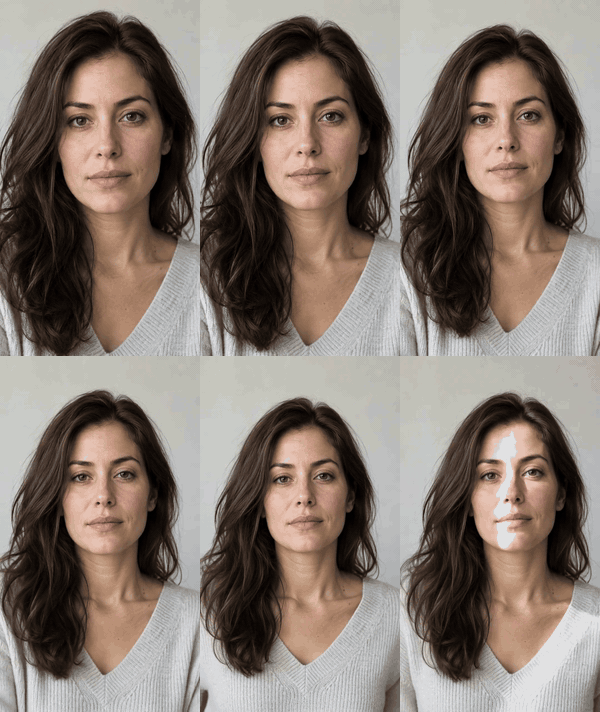
Turn this flat photo into a 3D parallax GIF: the camera pushes in slowly, the subject separates from the background with real depth, slight side drift. No changes to the person.
For memes and the trends of the week. Doodles work surprisingly well: draw a stick figure on paper, take a photo, animate it.

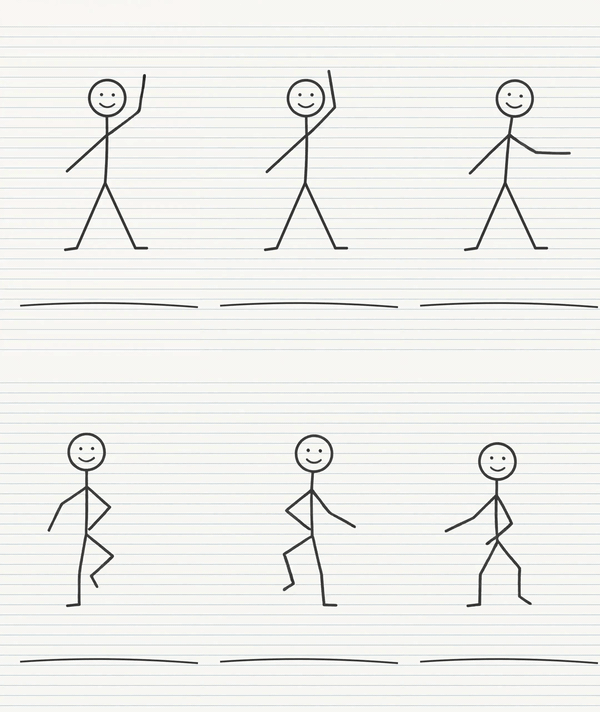
Animate the stick figure in this photo of my notebook into a GIF: it waves, then does a happy little dance on the page. Keep the pencil lines and the lined paper exactly as they are, like a flipbook.
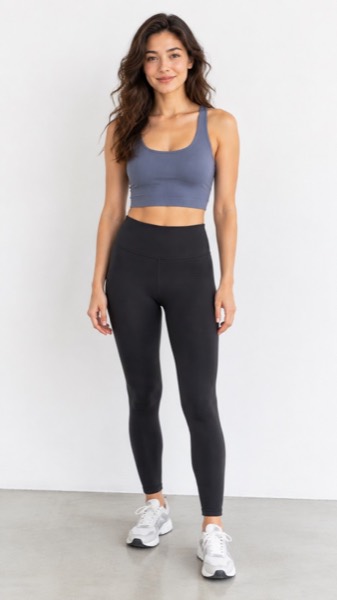
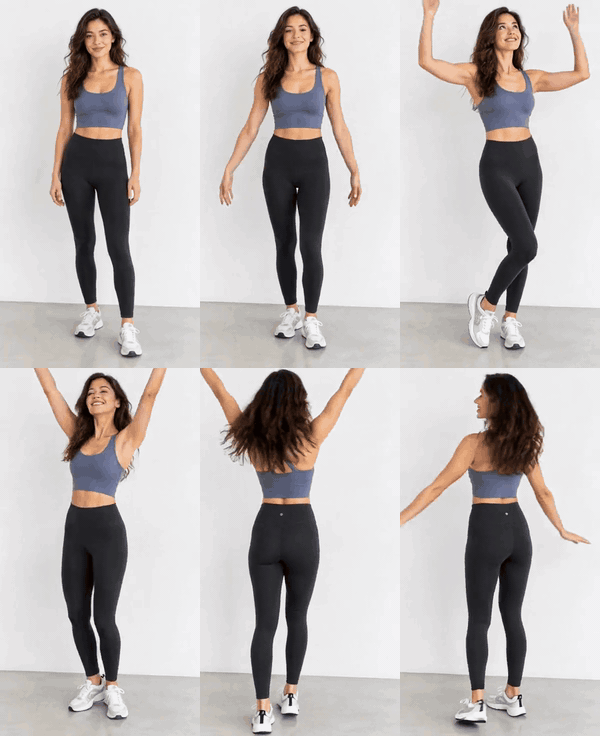
Make a GIF of the person in this full-body photo doing a short, happy dance — simple steps, arms moving, a smile at the end. Keep the face, outfit and background the same. Loop it.
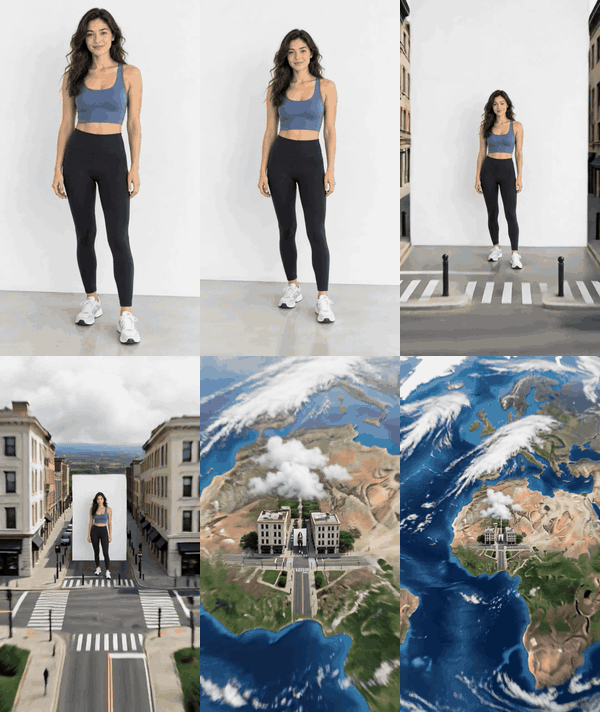
Turn this photo into an Earth zoom-out GIF: start on the person, then the camera flies straight up past the rooftops and clouds until the whole planet is visible from space.
No GIFs in your ChatGPT yet? Make any of these from your photo here — the first GIF each day is free, no account.
 Prompt → GIF
✓ Free to try, no sign-up. · ✓ Full refund within 7 days. · 🔒 Secure payment by Stripe.
Every video was made from the photo beside it, with no editing. All people shown are fictional adults.
After writing and comparing these, the prompts that give usable GIFs all spell out the same five things. Missing one is the usual reason a result looks wrong.
| Part | Example wording | What goes wrong without it |
|---|---|---|
| One main action | “breaks into a wide grin and holds it” | Several actions at once look jittery in a short loop |
| What must not change | “keep the face, hair and clothes exactly the same” | The person turns into a lookalike |
| Camera | “camera locked” or “slow push-in” | Random camera drift makes the loop jump |
| Loop | “the last frame matches the first” | A visible snap every time the GIF restarts |
| Shape | “square format” or “vertical” | Cropped heads in the chat preview |
| ChatGPT GIFs | MoveFrame photo to GIF | |
|---|---|---|
| Account | ChatGPT account; rolling out since 4 Nov 2026 | None for the first GIF each day |
| How you control it | Free-form prompt, then edit frames or speed | Pick a motion, add an optional short detail |
| How the motion is made | Frame by frame, flipbook style | Full 5-second AI video, then converted to GIF |
| Output | GIF in the chat | GIF in 3 sizes plus the MP4 |
| Best for | Stylized or invented scenes, iterating by chat | Real photos of people and pets where the face must stay the same |
Limits for ChatGPT's GIFs (length, size, how many per day) were not published when we checked on 5 November 2026; we'll update this table when they are.
Yes. Since 4 November 2026 (Images 2.6) ChatGPT can make animated GIFs, including from a photo you upload. It is rolling out gradually, so some accounts don't have it yet.
Say one main action, what must stay the same, what the camera does, that it should loop, and the shape. The cards above all follow that pattern — copy one and change the action.
Yes. Attach a selfie and use one of the reaction prompts, or press Make it from my photo to get it from MoveFrame without an account.
The prompt probably didn't say to keep the face identical, or the photo is small or filtered. Add “keep the face exactly as in my photo” and use a sharp, front-facing picture.
No. The previews were made by MoveFrame's own image-to-video pipeline from the same idea, so you can see what the motion looks like. ChatGPT's result for the same prompt will differ.
On MoveFrame the first photo-to-GIF each day is free with no sign-up; every card links straight to the tool with the matching motion selected.
Use the video to GIF converter: it trims an MP4, MOV or WebM and makes the GIF on your device, free and without uploading it.