

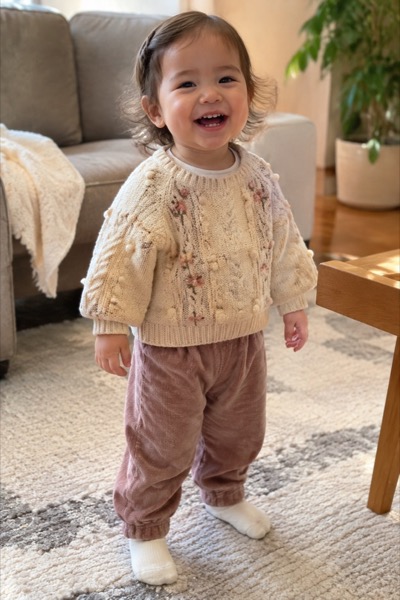
How to make a GIF from a photo
- Upload a clear photo where the face or animal fills a good part of the frame (JPG, PNG or HEIC from your phone).
- Pick a motion. Add a short detail if you like — “slow blink, then looks at the camera”.
- Press Make my GIF and wait about a minute while the AI animates the photo.
- The GIF appears under the clip. Keep Chats size, or switch to Discord or Small, then press Download GIF.
What makes a good photo-to-GIF tool
Five things decide whether the GIF is worth sending. This is what MoveFrame does on each, so you can check it yourself on the first try.
| What to check | Why it matters | MoveFrame |
|---|---|---|
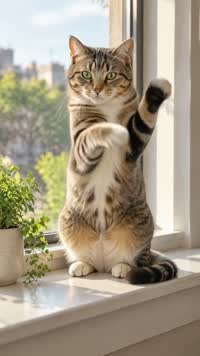
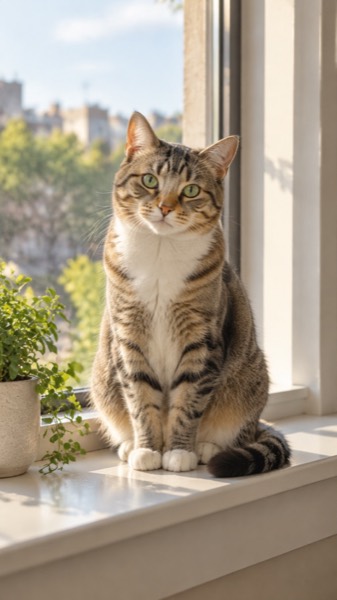
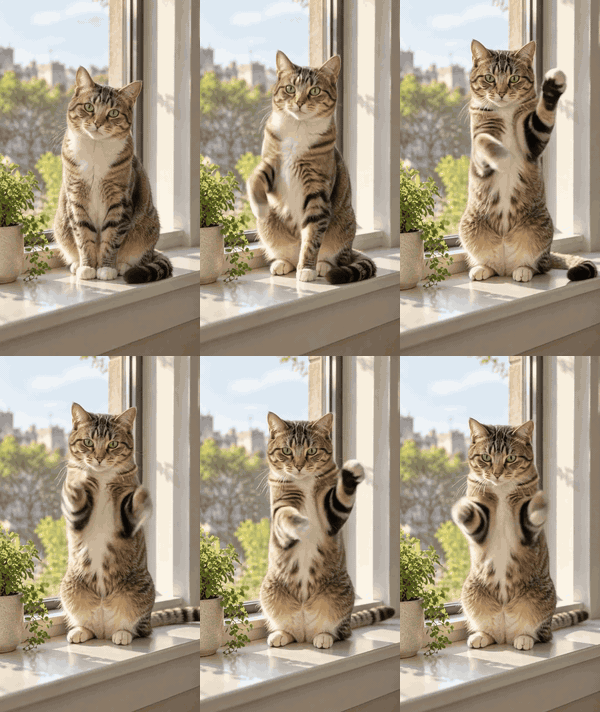
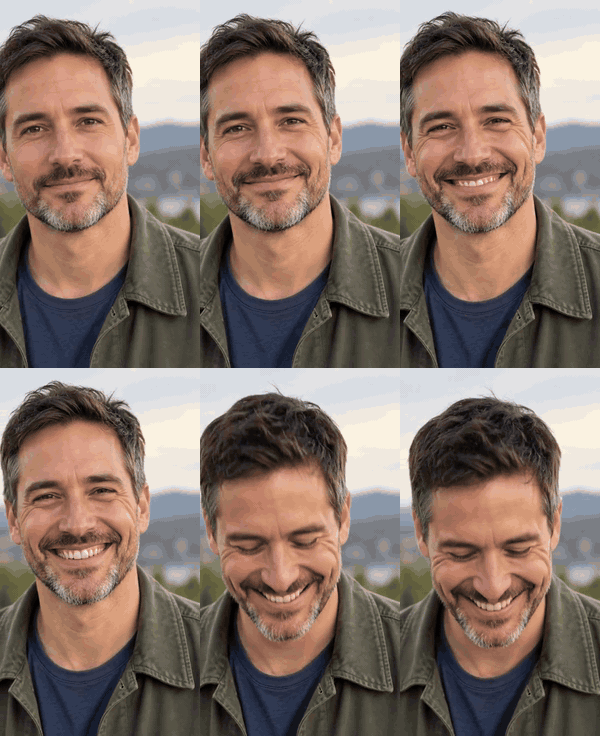
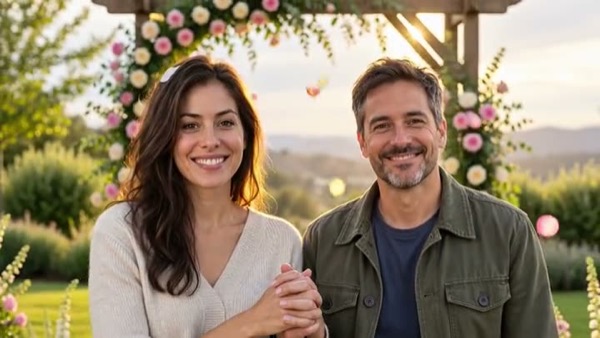
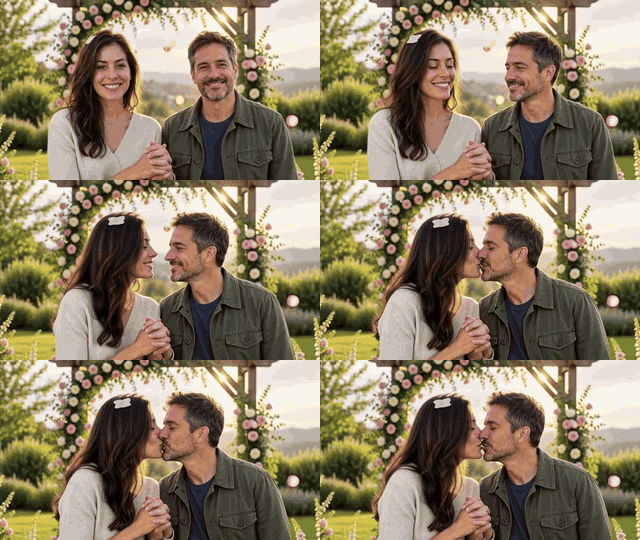
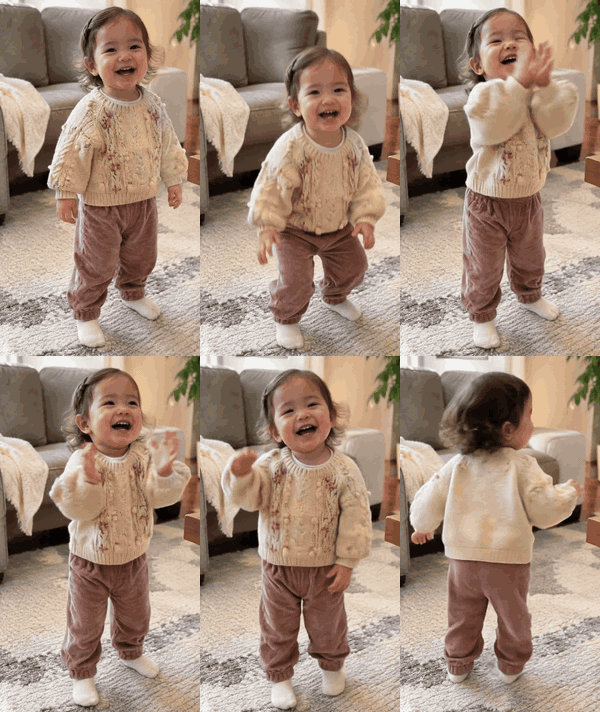
| Same face after animating | A GIF of “you” that doesn't look like you is useless as a reaction | Built on image-to-video models told to keep face, hair and clothes; see the six real results above |
| Free try without an account | You only know if a model handles your photo after one attempt | First GIF each day free, no sign-up, no card |
| Size known before you download | Discord and email reject big files | Three sizes (480, 320 or 240 px on the long side); the exact file size is on the download button |
| Wait time | Several-minute queues kill the moment | About a minute for the clip, then a few seconds for the GIF |
| You also get the MP4 | Instagram, TikTok and WhatsApp Status take video, not GIF | The MP4 stays downloadable next to the GIF |
Photo to GIF tools compared
Checked on 5 November 2026 on each tool's own photo-to-GIF page, logged out; prices and limits are what those pages say. ChatGPT added GIFs on 4 November 2026 and has not published limits yet.
| MoveFrame | ChatGPT (Images 2.6) | AnimatePhoto | Giffator | biaoqingchufang | |
|---|---|---|---|---|---|
| Free try | First GIF each day, no account | Rolling out to ChatGPT accounts; plan limits not published | Free credits for new accounts, amount not stated | No free tier | 1 GIF after sign-in |
| Sign-up needed | No | Yes, a ChatGPT account | For credits | Yes | Yes |
| How the motion is made | Image-to-video model, then GIF | Generated frame by frame, like a flipbook | AI clip, then GIF | AI clip, 720p | AI clip, about 4 s |
| Ready-made motions | Smile, pet, dance, kiss, hug, birthday, cinemagraph and more | Describe it in words | Describe it in words | Describe it in words | Describe it in words |
| Size choice before download | 480 / 320 / 240 px long side, file size on the button | Not stated | 320 / 480 / 640 px | Not stated | Up to 512 px |
| Paid price | Packs from $2.99 | Included in ChatGPT plans | From 25 credits per clip, plan prices not shown | $4.85 for 50 credits (2 per GIF) | $0.99–$7.49 packs |
ChatGPT is handy if you already chat there and want to steer the GIF with words; it gets a whole page of its own prompts on our ChatGPT GIF prompts page. MoveFrame is quicker when you want a known motion — a grin, a head tilt, a hug — from a real photo with the face kept, without signing in.
Photos that make the best GIFs
- Reaction GIFs: a front-facing selfie, face filling about a third of the frame, mouth closed — the Smile motion looks best from a neutral start.
- Pets: the whole animal in focus; Pet for a head tilt or wag, Dance for the two-legged dancing-cat look.
- Couples: both faces visible in one photo for Kiss; two separate photos work for Hug.
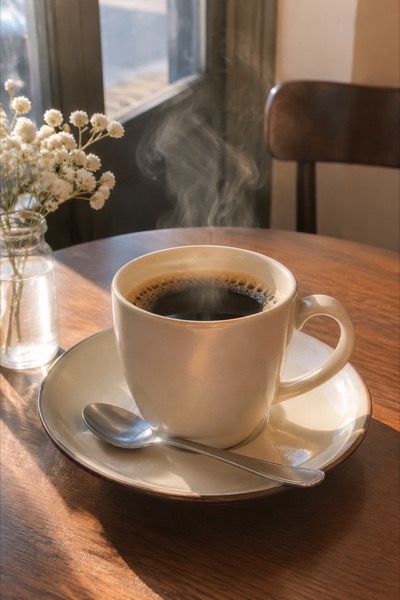
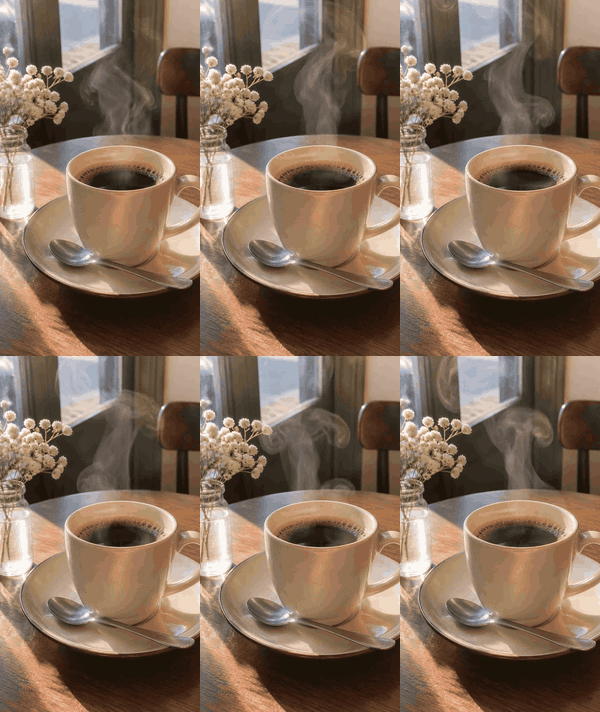
- Loops for websites: a photo with one thing that could move (steam, water, hair) and the Cinemagraph motion — everything else stays frozen, so the loop is seamless.
Already have a video? Use the video to GIF converter instead: it trims any MP4, MOV or WebM and converts it on your device, no AI needed.
Frequently asked questions
Can AI turn a photo into a GIF?
Yes. An image-to-video model animates the still photo into a short clip, and that clip is converted into a looping GIF. On MoveFrame both happen in one go: upload, pick a motion, download the GIF.
Is photo to GIF free?
Your first GIF each day is free, with no sign-up and no card. More GIFs use credits from a one-time pack (from $2.99) or a Pro plan.
How long and how big is the GIF?
It covers the whole 5-second clip and loops forever. Choose 480 px (chats, Slack), 320 px (Discord) or 240 px (email) on the long side — about 3–5 MB at Chats size and about 1 MB at Small; the file size is shown on the download button before you save it.
Will the GIF still look like me?
The motions are set up to keep the face, hair and clothes from your photo. Results are best with a sharp, well-lit photo; heavy filters or a tiny face in the frame make it harder.
How do I save the GIF on iPhone?
Tap Download GIF, then press and hold the GIF that opens and choose Save to Photos (or Share → Save Image). It plays as a GIF in iMessage, WhatsApp and most chat apps.
Can I make a GIF from a photo in ChatGPT instead?
Yes, ChatGPT can now make GIFs if the feature has reached your account: attach the photo and ask for a looping GIF. Our ChatGPT GIF prompts page has tested wording for selfies, pets, couples and loops, each with a preview.
What's the difference from the video to GIF page?
Video to GIF converts a video you already have, with no AI. Photo to GIF starts from a still photo and uses AI to make it move first.
Does the GIF have sound?
No — GIF is a silent format. If you want sound, download the MP4 next to it.