
How to make a 360 product spin video from a photo
- Upload a clear photo (JPG, PNG or WebP). A face or body that fills a good part of the frame works best.
- Pick the 360 product spin motion — the product turning on its own axis, camera still, and the shape: 9:16 for TikTok and Reels, 16:9 for YouTube, 1:1 for feeds.
- Tick the box confirming you have the right to use the photo, then press Make my video.
- Wait about a minute. Play it, download the MP4, or share a link.
Product spin or camera orbit?
| You want | Use |
|---|---|
| The product turns on its own axis, background still, like a studio turntable | 360 product spin (this page) |
| The camera circles the subject and the background moves with it | Image to rotating video — a 3D camera orbit |
| A slow camera arc with gliding studio light on a styled set | Product photo to video |
Online stores usually want the first one: a clean spin that matches the rest of the listing photos.
Photos that spin well
| Photo | Result |
|---|---|
| One product, front or three-quarter view, plain or white background | Best: a smooth, even turn; a white photo gives a white-background video |
| Shoes, bottles, jars, cosmetics, mugs, toys and figurines | The shape reads clearly as it turns |
| Symmetric products (bottles, cans, candles) | The back looks right because it mirrors the front |
| Products with a unique back (printed boxes, phone cases) | The unseen back is a plausible guess, not your real design — check before you publish |
| Several items or a busy scene | Crop to one product first; the turntable spins only the hero item |
Honest limit: from one photo the AI cannot know what the back really looks like. For an exact 360 view of every side, you still need photos of every side.
What to check in a 360 spin generator
| What matters | MoveFrame |
|---|---|
| Works from a single photo | Yes — one upload, no photo series or turntable rig |
| Try it without an account | Yes — first video free, no sign-up, no card |
| Background and camera | Camera locked; the background stays as in your photo, so a photo on white gives a video on white |
| Download | MP4, 1:1 by default, also 9:16 and 16:9 |
| Commercial use | Allowed for videos you make (see terms) |
| Paid option | $9.90 once, valid 12 months — no subscription |
Sizes, lengths and quality
| Setting | Free | With credits |
|---|---|---|
| Length | 5 seconds | 5 or 10 seconds |
| Shape | 9:16, 16:9 or 1:1 | 9:16, 16:9 or 1:1 |
| Quality | Standard 480p | Standard, HD 720p or Max 720p (premium model) |
| Watermark | None on your free video | None |
| Cost | 5 credits (your free video covers it) | 5–40 credits |
Every video downloads as an H.264 MP4 that plays on iPhone, Android, TikTok, Instagram Reels, YouTube Shorts and WhatsApp.
What it costs
The tool is at the top of this page: upload a photo and your first video is free, no account and no card. Here is what you pay if you want more.
| Price | What you get | |
|---|---|---|
| Free | $0 | Your first video: Standard quality, 5 seconds, no watermark. In many regions you also get one free video a day, depending on how busy we are. |
| Pro | $9.90/month | 120 credits a month (about 24 videos), no watermark, HD and 10-second videos, cancel any time |
| Pro, yearly | $82.90/year | $6.91/month, you save $35.90; the 120 credits still arrive every month |
| Max | $29.90/month | 400 credits a month (about 80 videos); same features as Pro, more credits |
| Credit pack | From $9.90 once | 100 credits, valid 12 months, no subscription |
Failed or blocked videos are refunded automatically, and any payment can be refunded within 7 days.
Frequently asked questions
Is it really free?
Your first video is free, with no account and no card: Standard quality, 5 seconds, no watermark. In many regions you also get one free video a day, depending on how busy we are. To keep going, Pro is $9.90/month for 120 credits (about 24 videos), or a credit pack starts at $9.90 with no subscription.
Can I make a 360 product video with only one photo?
Yes. Upload one clear photo and the AI turns the product on its own axis, filling in the sides you did not shoot. For symmetric products this looks right; for products with a unique back, check the result, because the hidden side is a guess.
Can I get a pure white background?
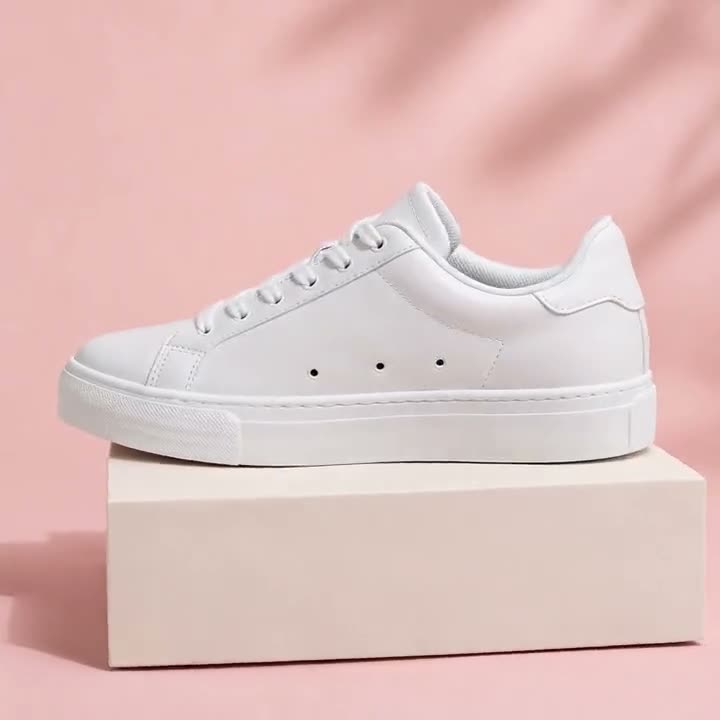
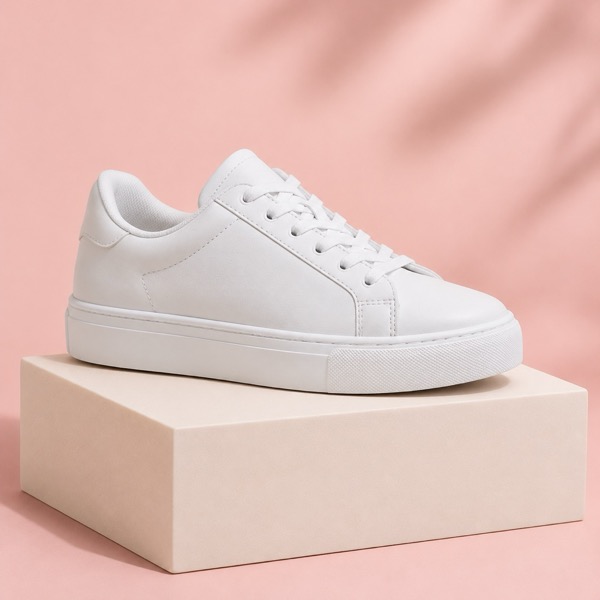
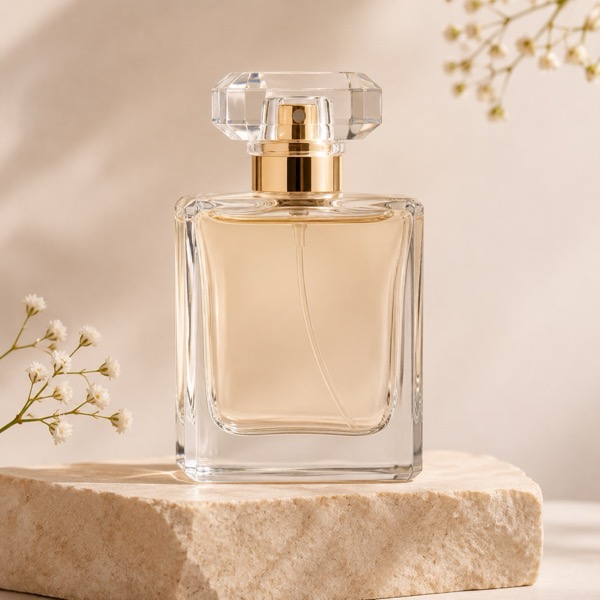
Yes, if your photo is on white: the template keeps your background and only turns the product, so a product shot on white or a cut-out on white gives a white listing video. A styled photo keeps its styled set, as in the examples above.
Does the camera move?
No. The camera stays still and the product turns on its own axis. If you want the camera to circle the subject instead, use Image to rotating video.
Can I use the video on Shopify, Amazon or Etsy?
Yes. Videos you make can be used for personal and commercial purposes under our terms, as long as you have the right to use the product photo. The MP4 uploads like any other product video.
How long does it take?
Most 5-second videos are ready in 40–90 seconds. 10-second and Max quality videos can take up to 3 minutes. You can keep using the page while it works.
What if the video fails or my photo is rejected?
Credits come back automatically. A photo that fails the safety check is rejected before any credit is spent, and a video that fails during generation is refunded in full.