
How to make a Product video video from a photo
- Upload a clear photo (JPG, PNG or WebP). A face or body that fills a good part of the frame works best.
- Pick the Product video motion — a slow camera arc and gliding studio light, and the shape: 9:16 for TikTok and Reels, 16:9 for YouTube, 1:1 for feeds.
- Tick the box confirming you have the right to use the photo, then press Make my video.
- Wait about a minute. Play it, download the MP4, or share a link.
Product shots that work
| Photo | Result |
|---|---|
| One product on a plain or styled background | Best: a clean arc and light sweep, like a studio turntable |
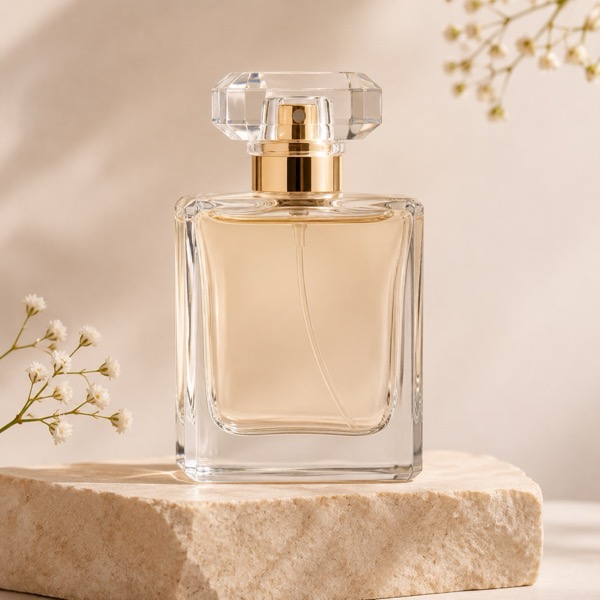
| Bottles, jars, cosmetics, perfume, drinks | Glass and liquid catch moving highlights; water or mist can be added |
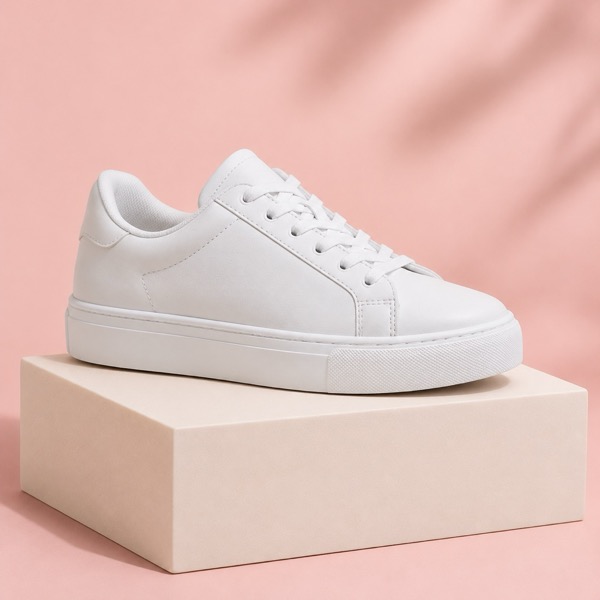
| Shoes, bags, watches, gadgets | The arc shows a hint of the side profile |
| Flat-lay with many items | Works, but motion is calmer; crop to the hero product for a stronger clip |
| Small print and tiny labels | Large lettering stays readable; very small text can soften — use HD or Max quality |
Tip: shoot or crop the product so it fills about half of the frame, with some space around it — the camera needs room to move.
Where to use product videos
- Shopify, Etsy or WooCommerce product pages: a short video next to the photos.
- Amazon listing videos and TikTok Shop product cards (9:16).
- Instagram and Facebook ads, Pinterest pins and Reels (9:16 or 1:1).
- A launch teaser or a newsletter GIF for a new product.
Videos you make can be used for personal and commercial purposes under our terms, as long as you have the right to use the product photo.
Food and drink videos for menus and delivery apps
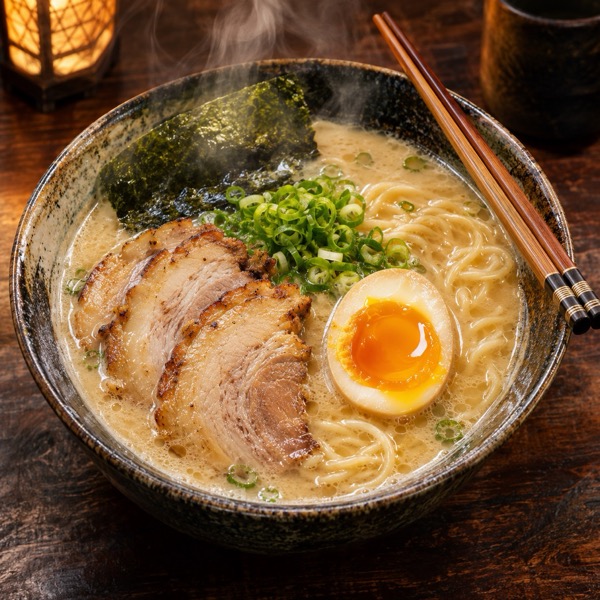
The same template works for a dish, a drink or a bakery item. Upload one menu or delivery-app photo and the camera makes a slow arc while light glides over the plate; type "steam rising", "cheese pull", "ice clinking" or "syrup drizzle" in the box to add one appetising touch. The ramen clip in the gallery above was made from a single photo with "steam rising from the bowl".
- Restaurant menus on a screen, Instagram and TikTok posts, Google Business photos.
- Delivery-app listings and promo banners (1:1 or 9:16).
- Cafes and bakeries: coffee, cakes, pastries, cocktails.
- Shoot from slightly above, the dish filling about half the frame, in warm light.
Clothing on a model? Use the lookbook page
This template keeps the product on its own, with no people. For an outfit worn by a model, a street-style shot or a runway photo, the fashion lookbook motion makes the model turn and pose while the fabric moves, and keeps every garment, colour and fit.
What to check in a product video generator
| What matters | MoveFrame |
|---|---|
| Try it without an account | Yes — first video free, no sign-up, no card |
| Watermark on the download | None, including the free video |
| Keeps the product the same | Shape, colours, materials and existing label are locked; no new text, logos or hands added |
| Commercial use | Allowed for videos you make (see terms) |
| Shapes | 1:1, 9:16 and 16:9 |
| Paid option | $9.90 once, valid 12 months — no subscription or ad-platform contract |
Many product-video tools are built around monthly plans, templates and an account. MoveFrame is one upload and one button, with a small one-time pack if you need more.
AI product video ads without an avatar, paid per video
Most AI UGC ad tools sell a talking AI avatar on a monthly plan. For a product ad you often only need the product itself, moving in good light, plus your own hook and captions on top. MoveFrame makes that clip from one product photo: no avatar, no actor, no script, and you pay per video instead of per month.
| Per product ad video | MoveFrame |
|---|---|
| First video | Free, no sign-up, no watermark |
| Next videos | 3 HD videos for $2.99 once, then about $0.79 per HD video ($9.90 pack = 12 HD videos) |
| Monthly plan | Not needed; packs are one-time and valid 12 months |
| Avatar or actor | None; the product is the star, label and colours kept |
| Talking presenter | Not in this clip; for a lip-synced talking ad use AI UGC ads |
| Shapes | 9:16 for TikTok, Reels and Shorts; 1:1 and 16:9 too |
Make three or four clips with different motions (Product video, 360 spin, zoom) from the same photo and test them as separate ad variations.
UGC-style product ads, paid per video
For a UGC-style ad, upload a photo of a real person holding, wearing or using your product (with their permission) and choose Animate photo: they move naturally for 5 or 10 seconds in 9:16, ready for TikTok, Reels or Shorts. Add your own voiceover, captions and hook in your editor. For a person who says your script on camera, lips in sync, use AI UGC ads.
| Per ad clip | MoveFrame |
|---|---|
| First clip | Free, no sign-up, no watermark |
| Trial pack | 3 HD clips for $2.99 once (about $1 each, once per person) |
| Credit pack | $9.90 once = 12 HD clips ($0.79 each), valid 12 months |
| Subscription | Not needed — nothing renews |
| Commercial use | Allowed for videos you make (see terms) |
Sizes, lengths and quality
| Setting | Free | With credits |
|---|---|---|
| Length | 5 seconds | 5 or 10 seconds |
| Shape | 9:16, 16:9 or 1:1 | 9:16, 16:9 or 1:1 |
| Quality | Standard 480p | Standard, HD 720p or Max 720p (premium model) |
| Watermark | None on your free video | None |
| Cost | 5 credits (your free video covers it) | 5–40 credits |
Every video downloads as an H.264 MP4 that plays on iPhone, Android, TikTok, Instagram Reels, YouTube Shorts and WhatsApp.
What it costs
The tool is at the top of this page: upload a photo and your first video is free, no account and no card. Here is what you pay if you want more.
| Price | What you get | |
|---|---|---|
| Free | $0 | Your first video: Standard quality, 5 seconds, no watermark. In many regions you also get one free video a day, depending on how busy we are. |
| Pro | $9.90/month | 120 credits a month (about 24 videos), no watermark, HD and 10-second videos, cancel any time |
| Pro, yearly | $82.90/year | $6.91/month, you save $35.90; the 120 credits still arrive every month |
| Max | $29.90/month | 400 credits a month (about 80 videos); same features as Pro, more credits |
| Credit pack | From $9.90 once | 100 credits, valid 12 months, no subscription |
Failed or blocked videos are refunded automatically, and any payment can be refunded within 7 days.
Frequently asked questions
Is it really free?
Your first video is free, with no account and no card: Standard quality, 5 seconds, no watermark. In many regions you also get one free video a day, depending on how busy we are. To keep going, Pro is $9.90/month for 120 credits (about 24 videos), or a credit pack starts at $9.90 with no subscription.
How much does one AI product video ad cost?
The first one is free. After that it is pay per video with no subscription: 3 HD videos for $2.99 once (about $1 each), or a $9.90 pack for 12 HD videos, about $0.79 each, valid 12 months. Failed videos are refunded automatically.
Can I make AI product video ads without an AI avatar?
Yes. Upload a photo of the product alone and choose Product video: the clip shows only your product, with a slow camera arc and moving light, label kept. There is no avatar, actor or lip-sync. Add your hook, captions and voiceover in your editor.
Can I make UGC ads here without a subscription?
Yes. Upload a photo of a person with your product, choose Animate photo and pick 9:16. The first clip is free; after that 3 HD clips cost $2.99 once, or $9.90 buys 12 HD clips. Clips have no voice or script, so add your voiceover and captions afterwards.
Will the AI change my product or its label?
The Product video template tells the model to keep the exact shape, colours, materials and existing lettering, and to add no new text or logos. Large labels stay readable; very small print can soften, so use HD or Max quality for detailed packaging.
Can I use the video in ads and on my store?
Yes. Videos you make can be used for personal and commercial purposes under our terms, as long as you own or have the right to use the product photo.
Can I add a background or effect, like water or snow?
Yes. Type it in the box, such as "splash of water", "falling snow" or "on a marble kitchen counter". The default adds a light, fitting touch such as mist or petals.
Can a model hold or wear the product?
This template keeps the product on its own and adds no hands. For clothing on a model, use the Fashion lookbook motion on our AI fashion lookbook video page; for a person holding the product, upload a photo of them (with their permission) and use Animate photo.
Does it work for food photos?
Yes. Upload a photo of a dish or drink and add a note such as "steam rising" or "ice clinking". The plate, colours and garnish stay as in your photo, and the clip suits menus, delivery apps and social posts.
How long does it take?
Most 5-second videos are ready in 40–90 seconds. 10-second and Max quality videos can take up to 3 minutes. You can keep using the page while it works.
What if the video fails or my photo is rejected?
Credits come back automatically. A photo that fails the safety check is rejected before any credit is spent, and a video that fails during generation is refunded in full.