How to turn a model photo into a lookbook video
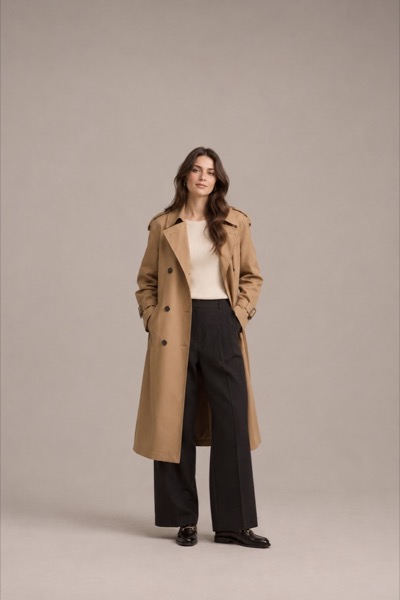
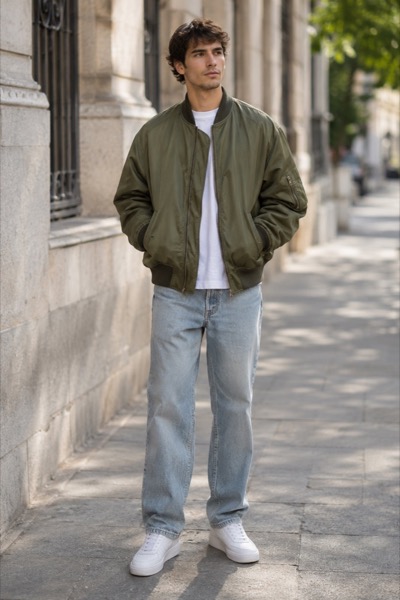
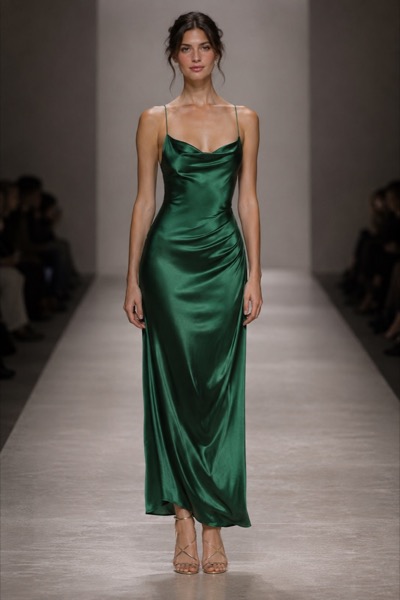
- Pick a full-body photo of one adult model, head to toe, with some space above and below. Studio, street or runway shots all work.
- Choose Fashion lookbook and the shape: 9:16 for Reels, TikTok and Shopify mobile, 1:1 for feeds, 16:9 for a site banner.
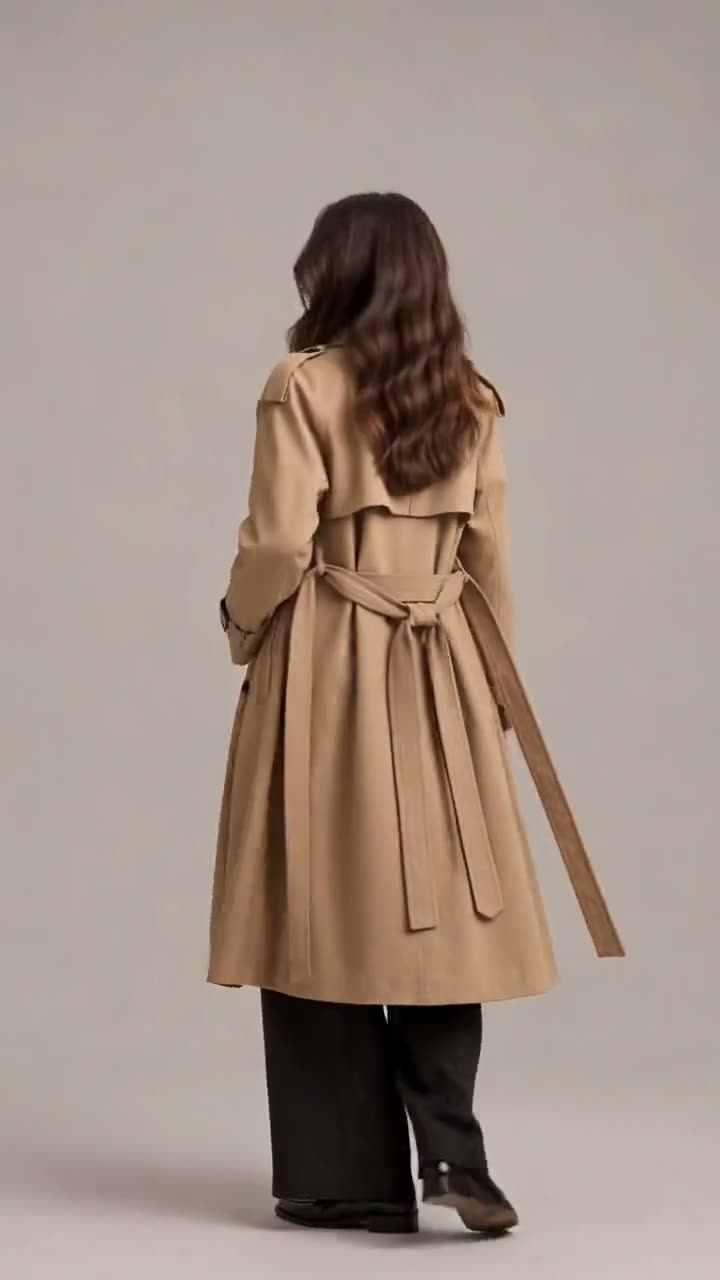
- Optionally add a note such as "turns to show the back of the coat" or "walks two steps toward the camera".
- Confirm you have the right to use the photo, press Make my video and download the MP4 about a minute later.
Lookbook video or product video?
| Your photo | Best motion |
|---|---|
| A model wearing the outfit (studio, street or runway) | Fashion lookbook — this page: turn, step, pose, fabric moving |
| Clothes on a hanger, a flat-lay, shoes or a bag on their own | Product video — a camera arc and studio light, no people |
| One item that should spin in place | 360 product spin — a turntable turn, camera still |
| A model who should walk toward the camera | Walk — a confident stride with the background moving |
What moves and what stays
| Moves | Stays the same |
|---|---|
| A slow half turn and back to the camera | The model's face, hair and body |
| A small step and a relaxed pose change | Every garment, colour, pattern, fabric and fit |
| Fabric drapes, swings and flows | Accessories and shoes |
| A gentle camera push-in | The setting and the light |
Tip: sheer layers, long hems, satin and pleated skirts move the most; stiff denim and tailoring move less but show the cut well when the model turns.
Where brands use lookbook clips
- Shopify and other store product pages: a short clip next to the photos of each look.
- Drop and collection teasers for Instagram Reels, TikTok and Pinterest (9:16).
- A lookbook page or email header: one clip per look, joined in any editor.
- Wholesale line sheets and pitch decks, where a moving look shows drape and fit.
Use photos you own or have permission to use, of adult models who agreed to it. Videos you make can be used for personal and commercial purposes under our terms.
Price per lookbook clip
| Per clip | MoveFrame |
|---|---|
| First clip | Free, no sign-up, no watermark |
| Trial pack | 3 HD clips for $2.99 once (once per person) |
| Credit pack | $9.90 once = 12 HD clips ($0.79 each), valid 12 months |
| Subscription | Optional: Pro is $9.90/month for 120 credits |
Sizes, lengths and quality
| Setting | Free | With credits |
|---|---|---|
| Length | 5 seconds | 5 or 10 seconds |
| Shape | 9:16, 16:9 or 1:1 | 9:16, 16:9 or 1:1 |
| Quality | Standard 480p | Standard, HD 720p or Max 720p (premium model) |
| Watermark | None on your free video | None |
| Cost | 5 credits (your free video covers it) | 5–40 credits |
Every video downloads as an H.264 MP4 that plays on iPhone, Android, TikTok, Instagram Reels, YouTube Shorts and WhatsApp.
What it costs
The tool is at the top of this page: upload a photo and your first video is free, no account and no card. Here is what you pay if you want more.
| Price | What you get | |
|---|---|---|
| Free | $0 | Your first video: Standard quality, 5 seconds, no watermark. In many regions you also get one free video a day, depending on how busy we are. |
| Pro | $9.90/month | 120 credits a month (about 24 videos), no watermark, HD and 10-second videos, cancel any time |
| Pro, yearly | $82.90/year | $6.91/month, you save $35.90; the 120 credits still arrive every month |
| Max | $29.90/month | 400 credits a month (about 80 videos); same features as Pro, more credits |
| Credit pack | From $9.90 once | 100 credits, valid 12 months, no subscription |
Failed or blocked videos are refunded automatically, and any payment can be refunded within 7 days.
Frequently asked questions
Is it really free?
Your first video is free, with no account and no card: Standard quality, 5 seconds, no watermark. In many regions you also get one free video a day, depending on how busy we are. To keep going, Pro is $9.90/month for 120 credits (about 24 videos), or a credit pack starts at $9.90 with no subscription.
Will the AI change the clothes?
The Fashion lookbook motion tells the model to keep every garment, colour, fabric, pattern, fit, accessory and shoe. Very fine prints and small logos can soften, so use HD quality for detailed pieces.
Can I use it without a model, on a hanger or mannequin?
For clothes on their own, use the Product video motion on our product photo to video page; it keeps the item still and moves the camera and light. This page is for an outfit worn by a person.
Who can be in the photo?
One adult who agreed to the photo being used, such as your model, a creator you hired or yourself. Photos of minors and of famous people are not accepted.
Can I use the clips in ads and on my store?
Yes. Videos you make can be used for personal and commercial purposes under our terms, as long as you have the right to use the photo and the model agreed.
How long does it take?
Most 5-second videos are ready in 40–90 seconds. 10-second and Max quality videos can take up to 3 minutes. You can keep using the page while it works.
What if the video fails or my photo is rejected?
Credits come back automatically. A photo that fails the safety check is rejected before any credit is spent, and a video that fails during generation is refunded in full.